7.3 Performance tests
WF1946B 7-7
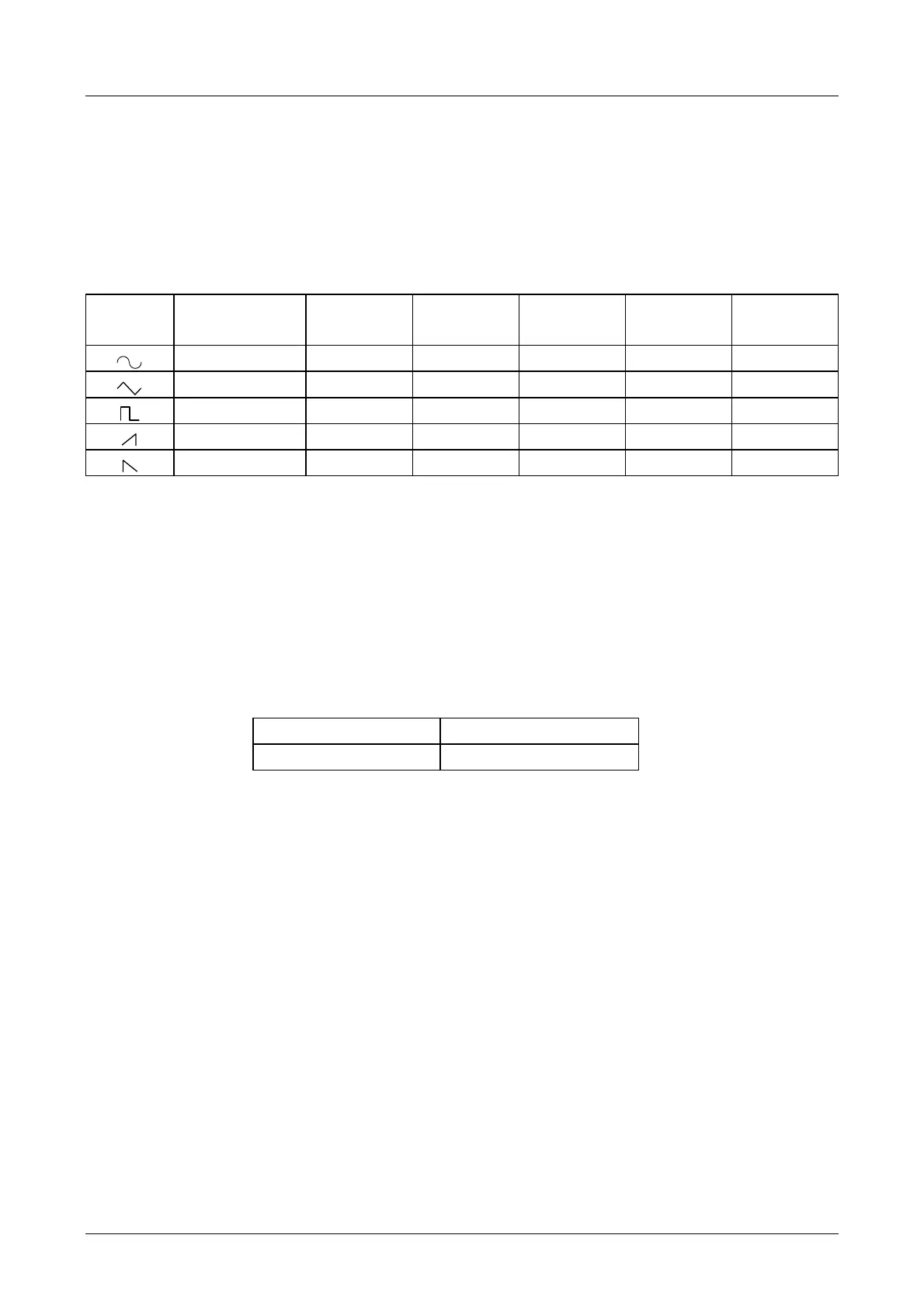
Amplitude vs. frequency characteristics
Connection: Use coaxial cable to connect FUNCTION OUT to AC voltmeter 2 (50 Ω termination).
Setting: Initialize, then set the amplitude to 20 Vp-p/open and select the frequency and
waveform as indicated in the table.
Measurement: Measure the true rms output voltage for each frequency and waveform. (CH1,CH2)
Judgment: The normal ranges are indicated in the table.
Waveform
1 kHz
Setting
to 500 kHz to 1 MHz to 3 MHz to 10 MHz to 15 MHz
(Reference value) +0.2/-0.3 dB +0.2/-0.3 dB +0.35/-0.7 dB +0.5/−1.5 dB +0.5/−2.0 dB
(Reference value) ±0.3 dB
―――― ―――― ―――― ――――
(Reference value) ±0.3 dB ±0.3 dB
―――― ―――― ――――
(Reference value) ±0.5 dB
―――― ―――― ―――― ――――
(Reference value) ±0.5 dB
―――― ―――― ―――― ――――
Sinewave distortion
Connection: Use coaxial cable to connect FUNCTION OUT to a distortion meter (50 Ω
termination).
Setting: Initialize, then set the amplitude to 20 Vp-p/open and the frequency as indicated in the
table.
Measurement: Measure the distortion (CH1,CH2)
Judgment: The normal range is indicated in the table.
Frequency Normal range
10 Hz to 100 kHz 0.2 % or less
Bandwidth 500 kHz



 To Next Page