WF1946B 3-1
Section 3 Basic operation
3.1 Panel description········································································································3-2
Front panel·········································································································3-3
Rear panel··········································································································3-4
3.2 Input and output connectors·······················································································3-5
Waveform output (FUNCTION OUT) ·······························································3-5
Sync signal output (SYNC OUT)·······································································3-6
Trigger/sweep input (TRIG/SWEEP IN)····························································3-9
Sweep stop/restart input (SWEEP PAUSE IN) ··················································3-10
Sweep X-drive output (SWEEP X-DRIVE OUT) ··············································3-10
Sweep marker output (SWEEP Z-MARKER OUT)···········································3-11
External add input (EXT ADD IN) ····································································3-11
External AM input (EXT AM IN)······································································3-12
Synchronous operation input and output (φ-SYNC IN, OUT)····························3-12
Digital output (DIGITAL OUT) (1992A option)················································3-14
3.3 Basic operation ··········································································································3-16
Setting initialize (PRESET) ···············································································3-16
Channel mode selection (CHANNEL MODE)···················································3-20
Channel modes and settings ···············································································3-22
Channel selection·······························································································3-24
Oscillation mode selection ·················································································3-25
Waveform selection ···························································································3-26
Frequency setting·······························································································3-29
Amplitude setting·······························································································3-30
DC offset setting ································································································3-31
Phase setting ······································································································3-32
Output on/off ·····································································································3-33
Operation tree ····································································································3-34
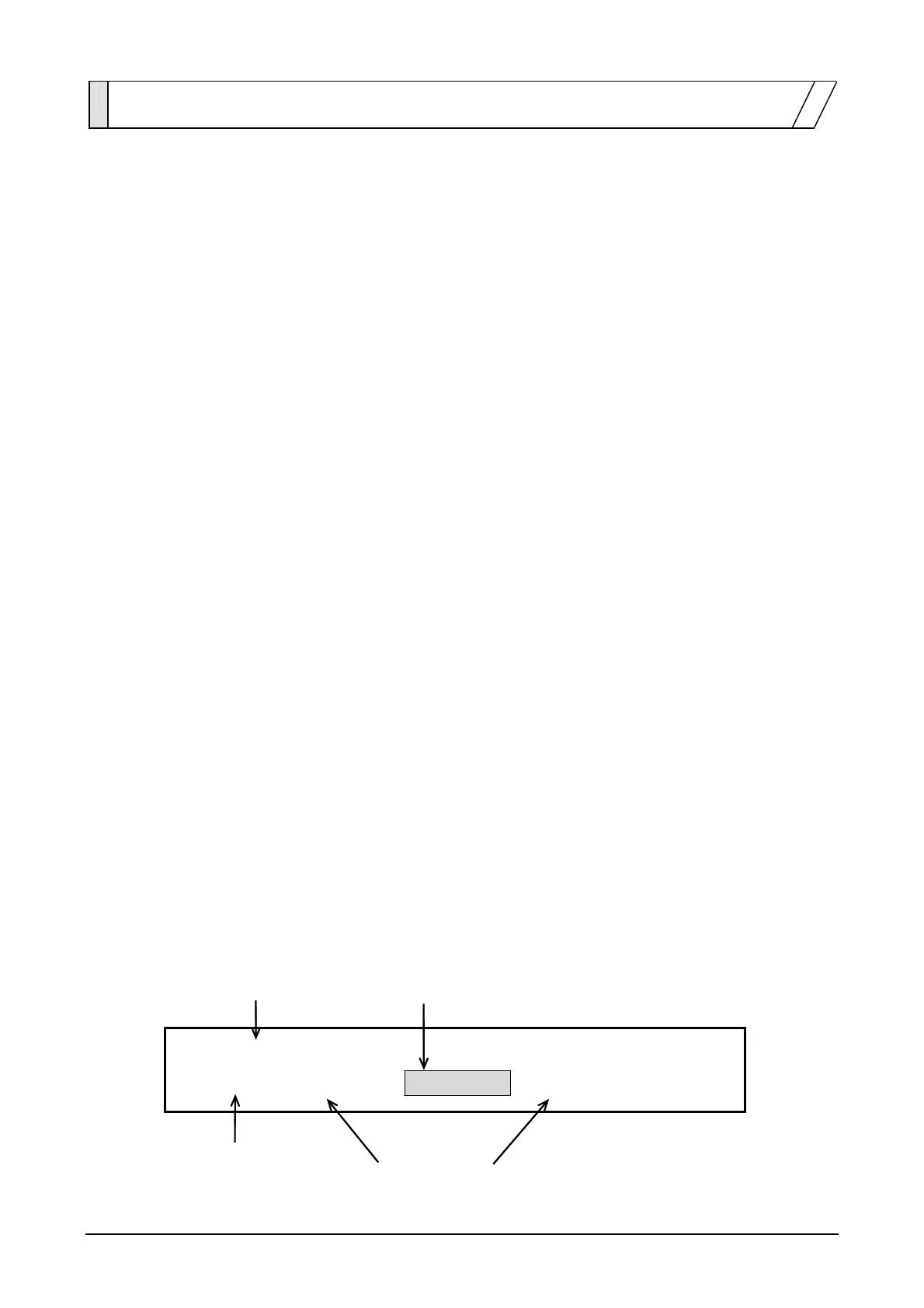
・Following is an example of the display when using this section.
Fully lighted (bold) Flashing
PRESET
SYSTEM:RANGE PRESET USER-UNIT
4
Fully lighted (bold) Dimly lighted



 To Next Page