3.3 Basic operation
WF1946B
3-32
Phase setting (
ENTRY
→
PHASE
)
The oscillation starting phase setting for burst and (gated) sweep is described.
Set CH1 and CH2 independently to also allow setting the phase difference between these channels.
“5.5 Other settings (■Phase sync)”, cf.
Operation:
Two methods can be used for setting the phase.
(1) Keypad
Convenient when the phase has been determined beforehand.
For example, set 90 degrees as follows.
① Press the
ENTRY
key, then the
PHASE
key.
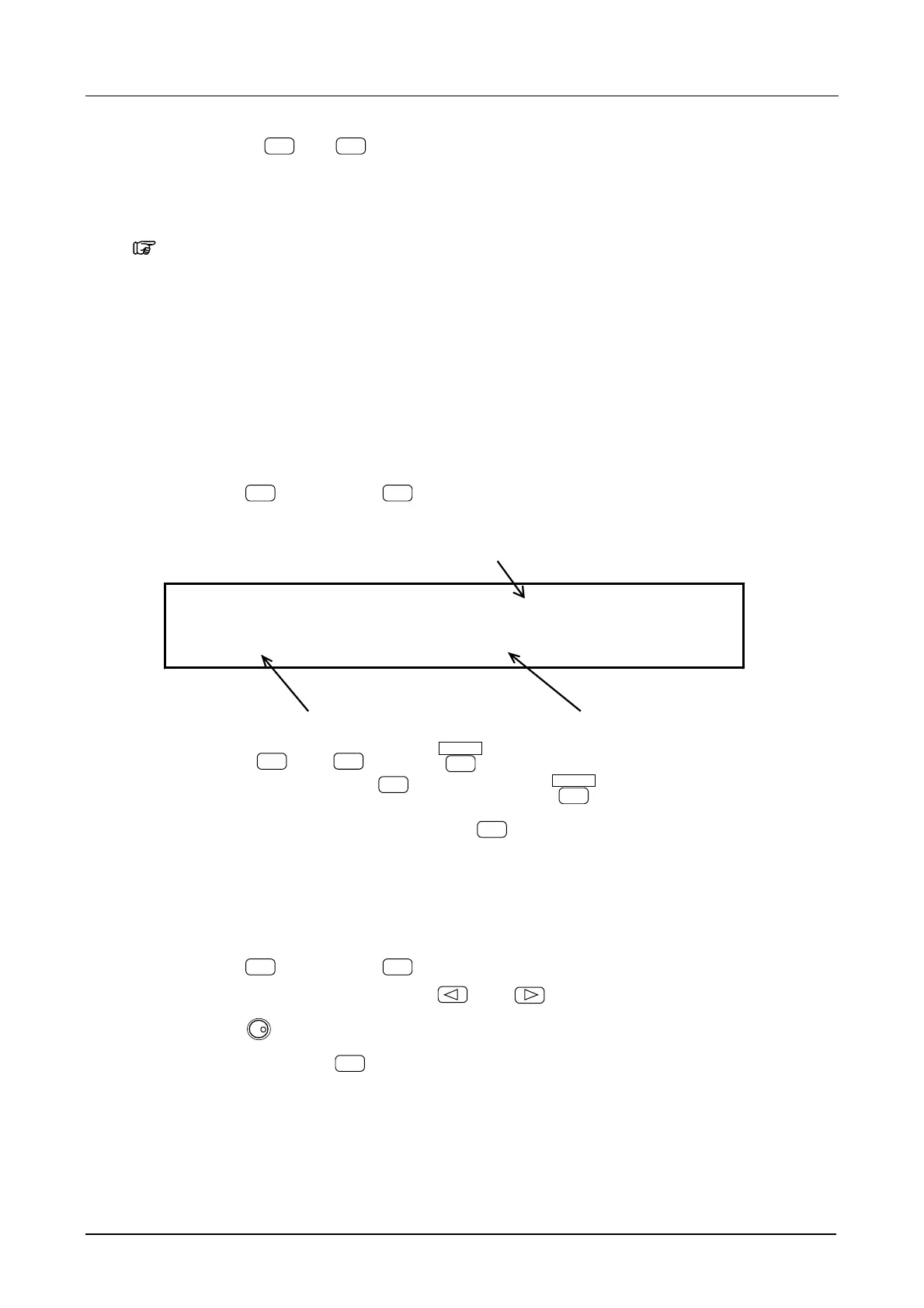
The following display is produced.
Phase
PHS 0.000 deg
1.000000000kHz A2.0000Vp-p/OPEN
Frequency Amplitude
② Press keys
9
and
0
, then the
ENTER
key.
To correct an entry, press the
BS
key before pressing
ENTER
.
③ This completes setting, afterwards, press the
EXIT
key.
(2) Modify dial
The phase can be changed continuously.
① Press the
ENTRY
key, then the
PHASE
key.
② Select the digit to be changed with the
and
keys.
③ Turn the
MODIFY
dial to set the flashing digit.
④ After setting, press the
EXIT
key to release the setting mode.



 To Next Page