5.5 Other settings
5-26 WF1946B
Fixed frequency difference (2TONE) (
CHANNEL MODE
: 2TONE)
Following is a description of the 2 tone channel mode whereby a fixed frequency difference is maintained
between CH1 and CH2.
In this mode, if the frequency of either channel is changed, the frequency of the other channel is
automatically changed to maintain the fixed difference.
Operation:
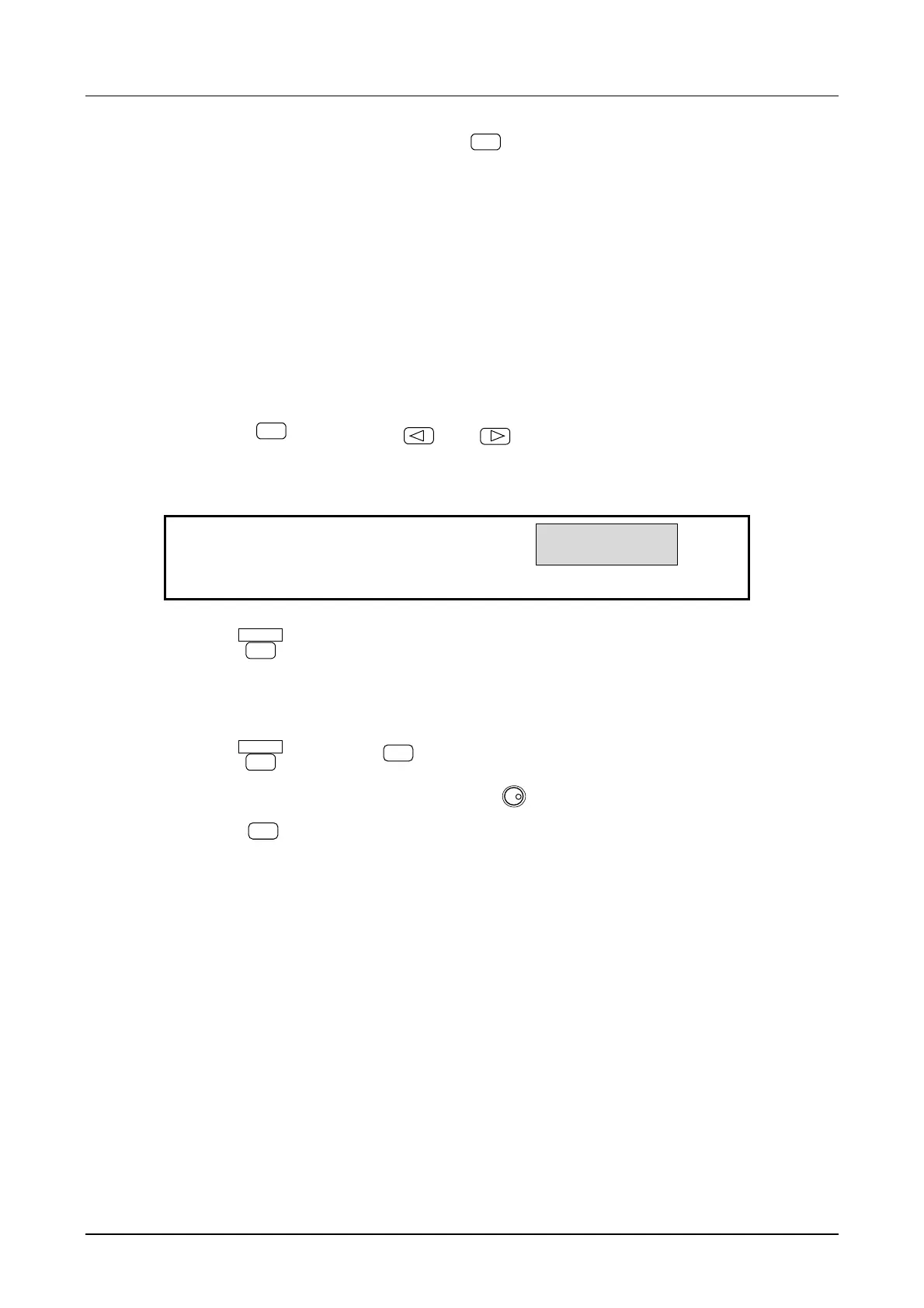
(1) Set the channel mode to 2 tone.
① Press the
CHANNEL MODE
key, then the
and
keys to produce the following display (2 TONE
flashes).
INDEP 2PHASE
2TONE
4
SELECT CHANNEL MODE
② Press the
ENTER
key to select this channel mode.
(2) Set the frequency difference (∆FREQ) between CH2 and CH1.
① Press the
ENTER
key, then the
△FREQ
key.
② Set the frequency difference with the keypad or
MODIFY
dial.
③ Press the
EXIT
key once to release the setting mode.
Other:
• If the frequency difference (∆ FREQ) is changed, the frequency of CH2 changes.
• The frequency difference (∆ FREQ) cannot be a negative value.
• If the channel mode is set to the fixed frequency difference (2TONE), the frequency of CH2 changes
according to the frequency difference (∆ FREQ).



 To Next Page