4.1 Burst oscillation
4-14 WF1946B
(2) Select trigger source (SOURCE)
① Use the
and
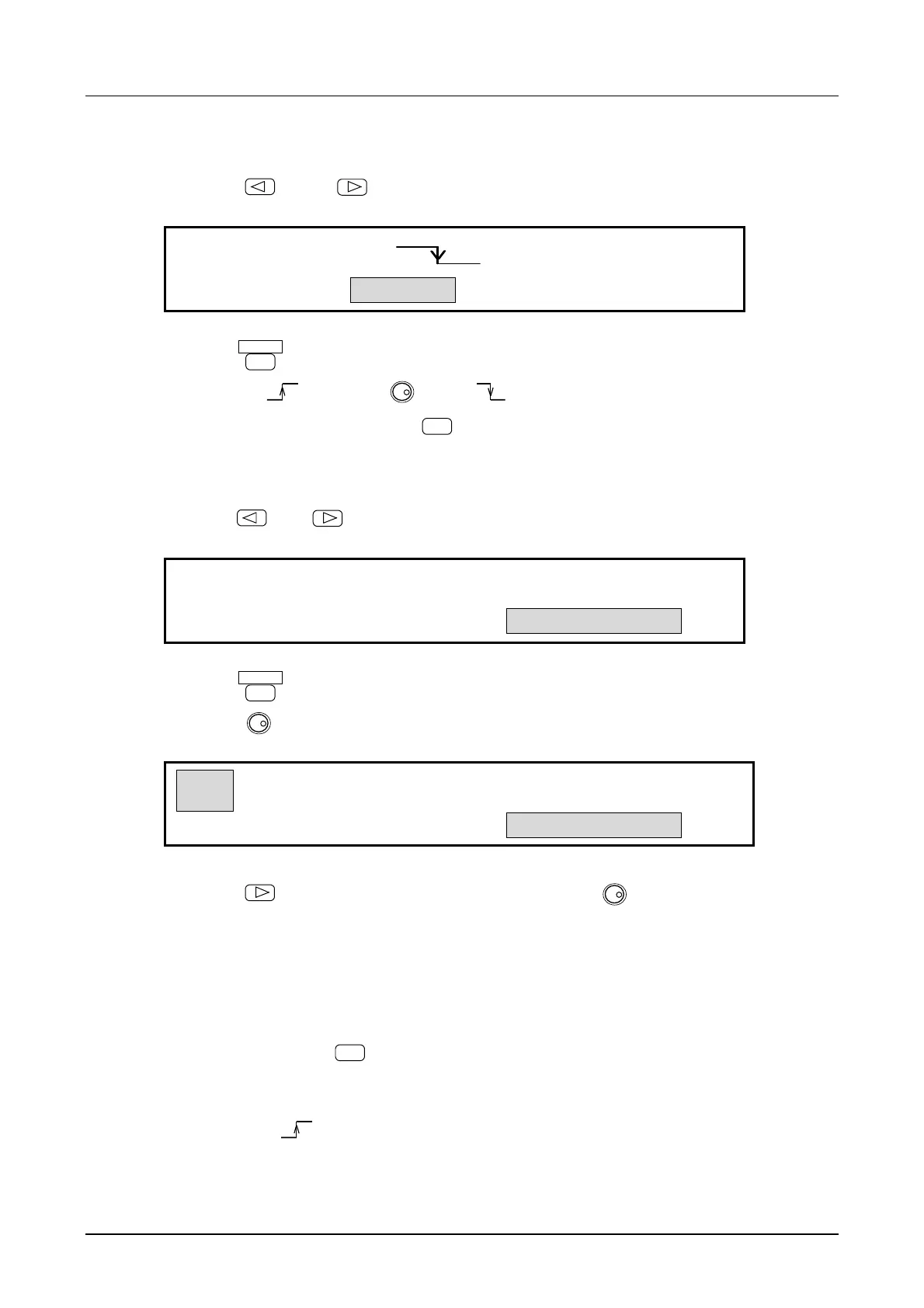
keys to produce the following display (SOURCE flashes).
EXT
TRIG:TYPE SOURCE STOP―LEVEL
4
② Press the
ENTER
key.
③ Select rising (
) using the
MODIFY
dial. ( indicates falling of the trigger signal)
④ After making a selection, press the
EXIT
key once to exit the trigger source selection.
(3) Set STOP-LEVEL
① Use the
and
keys to produce the following display (STOP-LEVEL flashes).
OFF
T-GATE:TYPE SOURCE STOP―LEVEL
② Press the
ENTER
key.
③ Turn the
MODIFY
dial to produce the following display (ON flashes).
ON 0.00 %
T-GATE:TYPE SOURCE STOP―LEVEL
④ Press the
key, then set the stop level with the keypad or
MODIFY
dial. For example, set
to 100 %.
The stop level is the percentage with respect to the maximum positive (+100 %) and negative (−100 %)
amplitude.
⑤ After setting, press the
EXIT
key to release the setting mode.
The above sets the burst oscillation (type: triggered gate). Oscillation alternates between start and stop
each time a signal (
) is applied to the TRIG/SWEEP IN connector.



 To Next Page