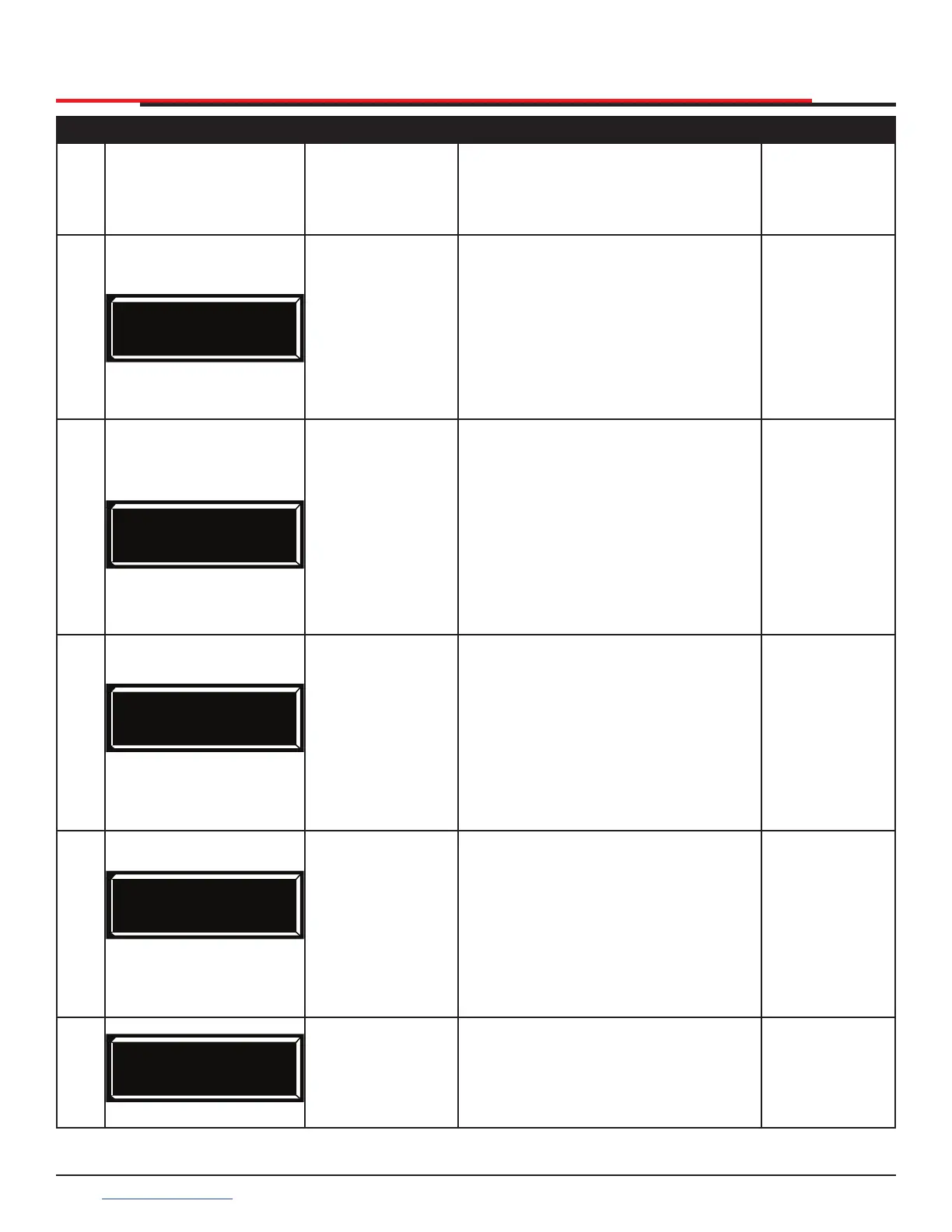
Table 9. Smart DC Controller - User Menu Functions
Ref.
No.
User Menu
Display
Setting Options
(Bold = Factory
Settings)
Menu Tasks and Explanations
Associated
DC Controller
Connections
1
CT 0 (OFF)
CLOSE TIMER
0 = Timer
disabled
1 second to 99
seconds
Assign how many seconds before
open gate initiates automatic
closure. Keep setting at 0 if a hard-
wired, push-button control device is
being used.
NOTE: CLOSE TIMER display does
not appear when HOLD TO CLOSE
is set to 1.
Not applicable
(N/A)
2
HC 0 (OFF)
HOLD TO CLOSE
0 = off
1 = on
Set to 0 produces a gate closure when
a momentary signal is transmitted.
Set to 1 if a constant hold to close
signal, such as a push button control,
is being used. A setting of 1 also
deactivates automatic close timer
and causes its menu to disappear.
You must set HC to 1 to comply with
UL 325 Type D protection. Refer to
Table Notes.
COM
CLOSE
3
HO 0 (OFF)
HOLD TO OPEN
0 = off
1 = on
Similar to HOLD TO CLOSE, but
congures OPEN push button for a
constant-hold function.
0 = Momentary open signal
1 = Constant hold open push
button required. You must set HO
to 1 to comply with UL 325 Type D
protection. Refer to Table Notes
COM
OPEN
4
AP 0 AC LOSS
UPS FAIL OPEN
0 = UPS Fail
Open
1 = UPS Fail
Close
2 = Auto Open
3 = No Close
Timer
Setting designates what action gate
performs during an AC power loss.
Refer to "Setting AC Power Loss
Gate Function" on page 42.
N/A.
5
RO 0 (OFF)
RADIO OPEN/CLOSE
0 = off
1 = on
Configures radio input for open
only (0). If changed to setting 1 then
adds capability for radio input to
close gate, but only when gate is
fully open.
COM
RADIO OPEN
DISPLAY AND MENU OPTIONS
SlideSmart HD Programming and Operations
4444
support.hysecurity.com



 To Next Page