Creating Objects
10 Designing a Form
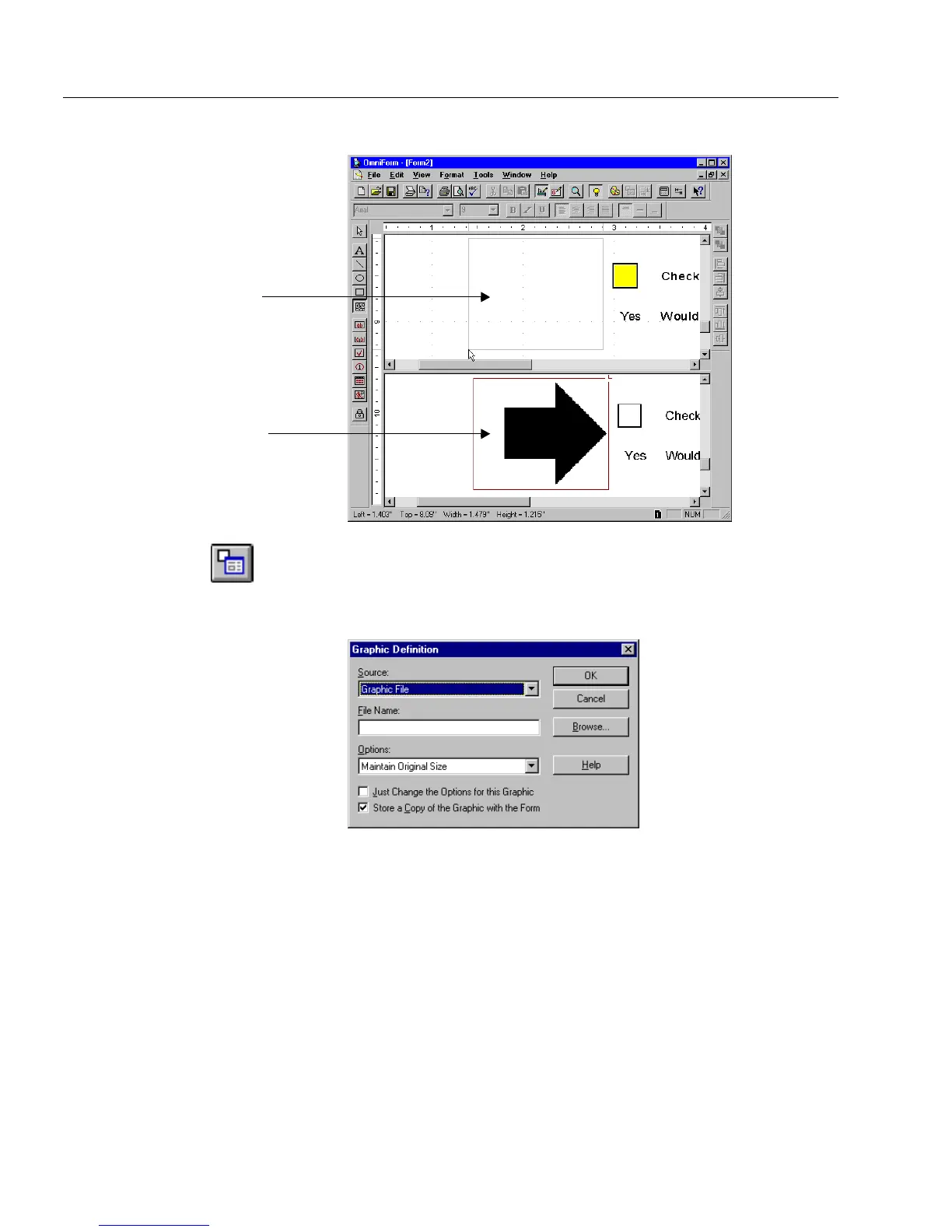
A corresponding box appears in the bottom window.
4 With the object still selected, click the Object Definition button
in the standard toolbar or choose
Object Definition...
in the For-
mat menu.
The Graphic Definition dialog box appears.
5Select
Form Image
in the
Source
drop-down list.
6 Proceed to “Graphic Definition Options” on page 5-12 to con-
tinue.
A Shorter Way to Copy a Graphic into a Graphic Object
This command is only available when you want to copy a graphic from
your original scanned in form. You must scan in a form before you begin
the following steps.
1 Choose
Form Image
in the View menu.
Graphic box where
graphic will be placed
Graphic in original form



 To Next Page