Operating & Maintaining the Eden 3-D Printer
7–28
DOC-00500 Rev. F
To replace a print head:
1. Prepare—
• replacementprinthead(s)
• isopropanol(IPA—isopropylalcohol)orethanol(ethylalcohol)
• disposablesafetygloves(includedintheheadreplacementkit)
• anObjet‐suppliedcleaningclothorequivalent
• aflat‐headscrewdriver(5mm)
• thescalesuppliedbyObjetforuseintheweighttest
Note: Make sure that you have these items before running the Head
Replacement wizard.
2. StarttheHeadReplacementwizard, eitherfromtheWizardstab(onthe
rightsideoftheEdeninterface)orfromtheOptionsmenu(see
figure 7‐25onpage 21).
3. Intheopeningwizardscreen,click
Nexttobegin.
TheHeadReplacementConditionsscreenappears.
4. Readtheconditions,selectIAgreeandclick
Next.
Preparing the
print block
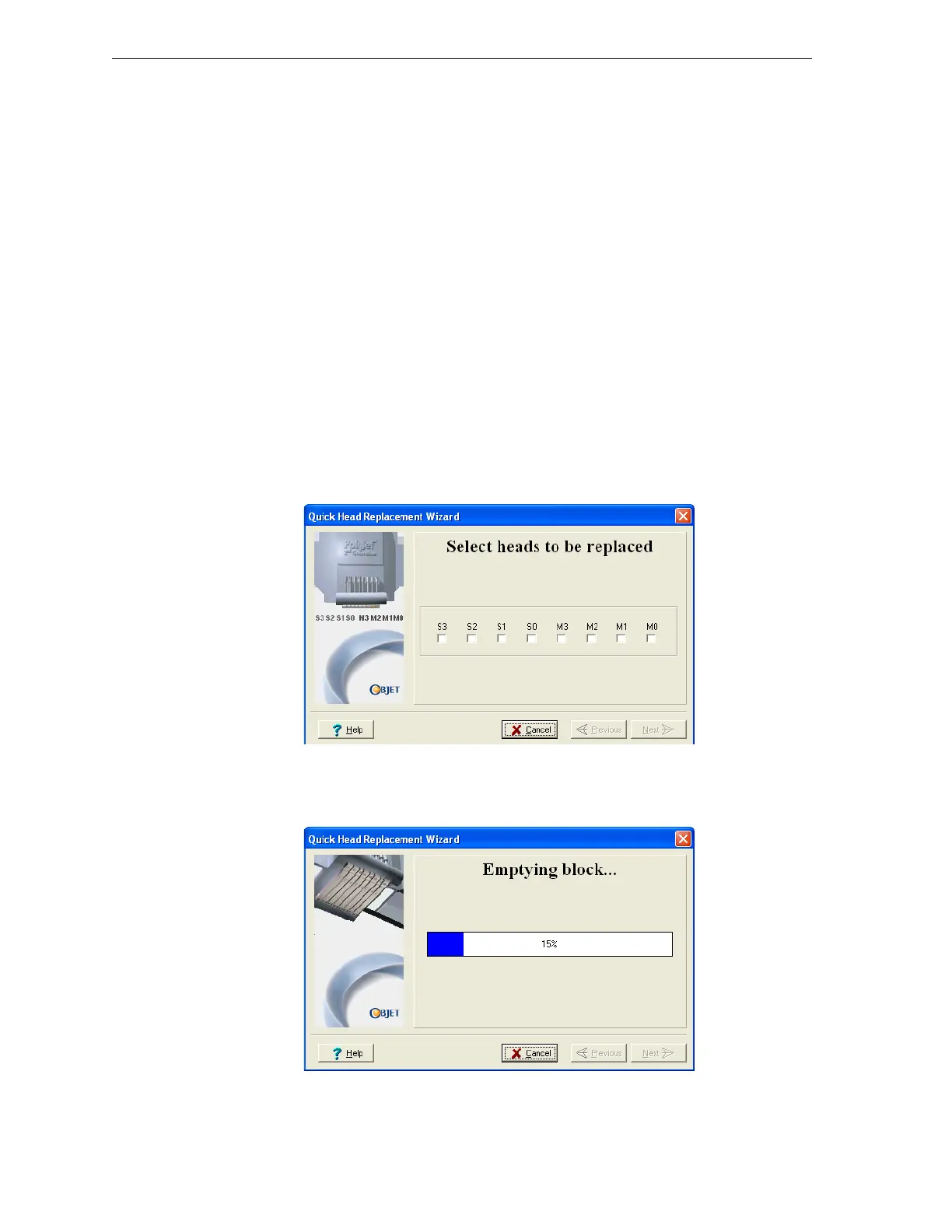
5. Selecttheprinthead(s)needingreplacement,andclick
Next.
Figure 7-35: Head selection screen
TheEdenprinterheatsandemptiestheprintblock.(Thisshouldtake
about10minutes.)
Figure 7-36: Emptying Block progress screen



 To Next Page