DOC-00500 Rev. F 7–29
Eden500V/350V/350 User Guide
Whentheprintblockiscompletelydrained,thewizardwipesthe
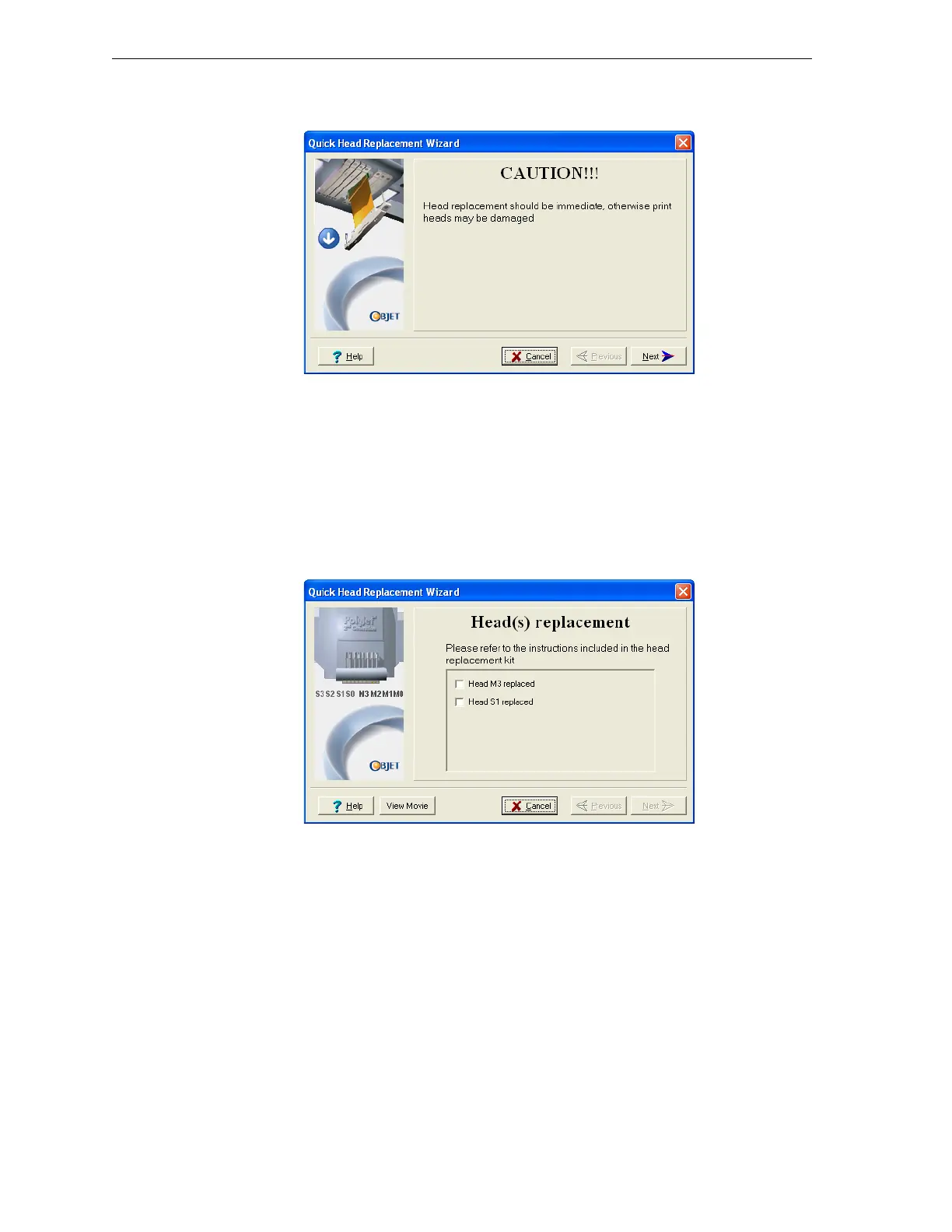
heads.Then,thefollowingwarningscreenappears.
Figure 7-37: Head Replacement warning screen
6. SelecttheOpendoorcheckboxandclickNextifyouarereadyto
continue.
7. OpentheSingleHeadReplacementkit,andremovethesafetygloves
andtheinstructions.
8. Putonthesafetygloves.
9. Whenthefollowingscreenisdisplayed,opentheEdenprintercover.
Note: The Eden printer disconnects power to the heads for your safety.
Figure 7-38: Replace the defective head when this screen appears



 To Next Page