Operating & Maintaining the Eden 3-D Printer
7–30
DOC-00500 Rev. F
Removing the
Defective Head
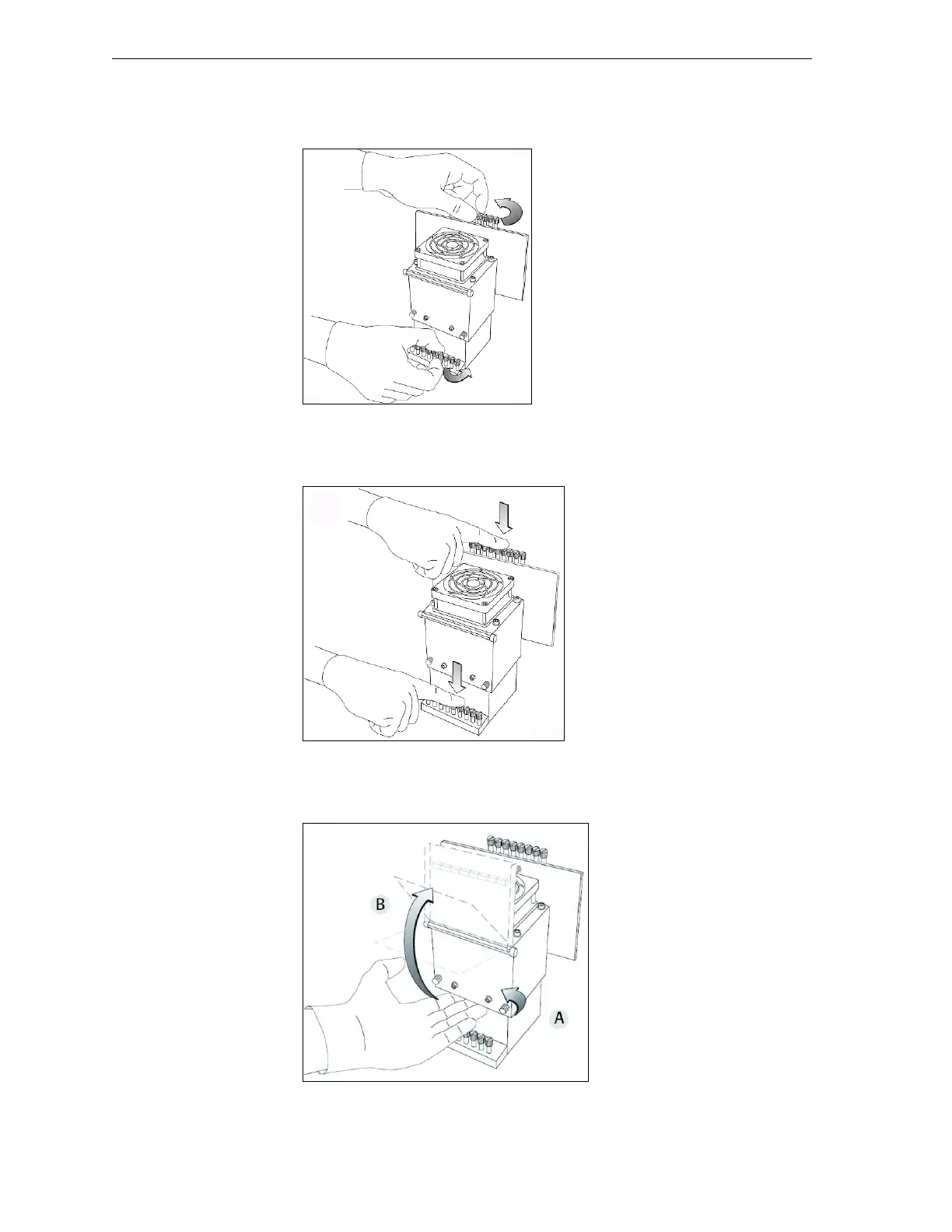
10. Ontheprintblock,releasetheupperandlowerscrewsthatsecurethe
printheadintheblock.(Ifnecessary,youmayuseascrewdriverto
loosenthescrews.)
Figure 7-39: Releasing the locking screws
11. Pressdownontheupperandlowerlockingscrewstoreleasetheprint
head.
Figure 7-40: Releasing the print head
12. Loosenthescrewsonthedoorofthecompartmentprotectingthe
print‐headdrivercards(A),thenpullandliftupthedoor(B).
Figure 7-41: Opening the print-head compartment



 To Next Page