DOC-00500 Rev. F 7–33
Eden500V/350V/350 User Guide
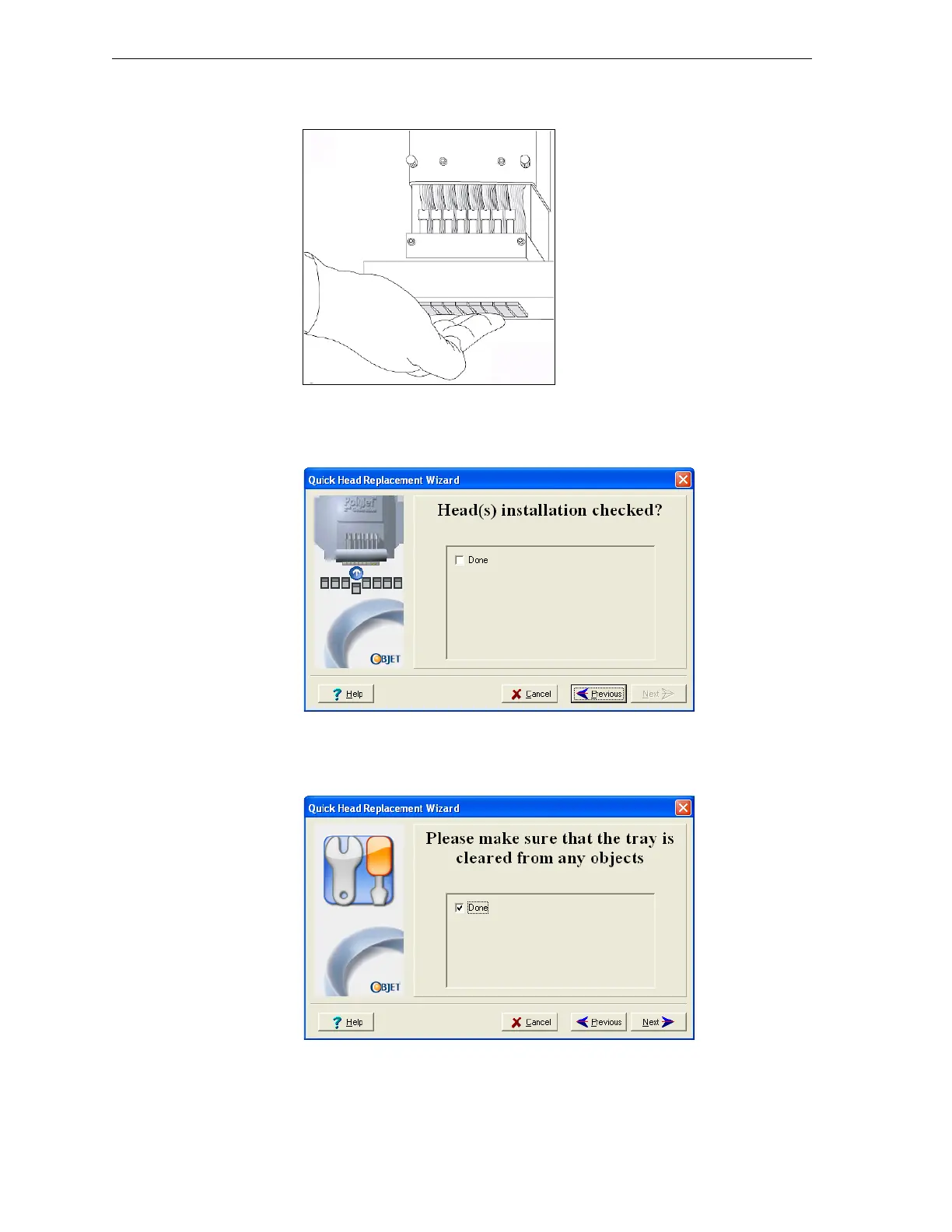
21. Withyourfingers,makesurethatthenewheadislevelandevenwith
theotherheads.
Figure 7-47: Checking the level of the new head
22. Confirmthattheheadsarelevelandevenbyselectingthecheckboxin
thenextwizardscreen,andclick
Next.
Figure 7-48: Installation-check screen
23. Inthenextwizardscreen,selectthecheckboxtoconfirmthatyouhave
removedalltoolsandobjectsfromtheprinter.
Figure 7-49: Cleared-tray confirmation screen
24. Closetheprintercover.



 To Next Page