1-36 MicroHAWK Engine Integration Guide
Save Configuration in ESP
To switch to any of the other three access levels, click the button of the desired access
level and you will be asked for the that access level’s password. To switch to Engineer, for
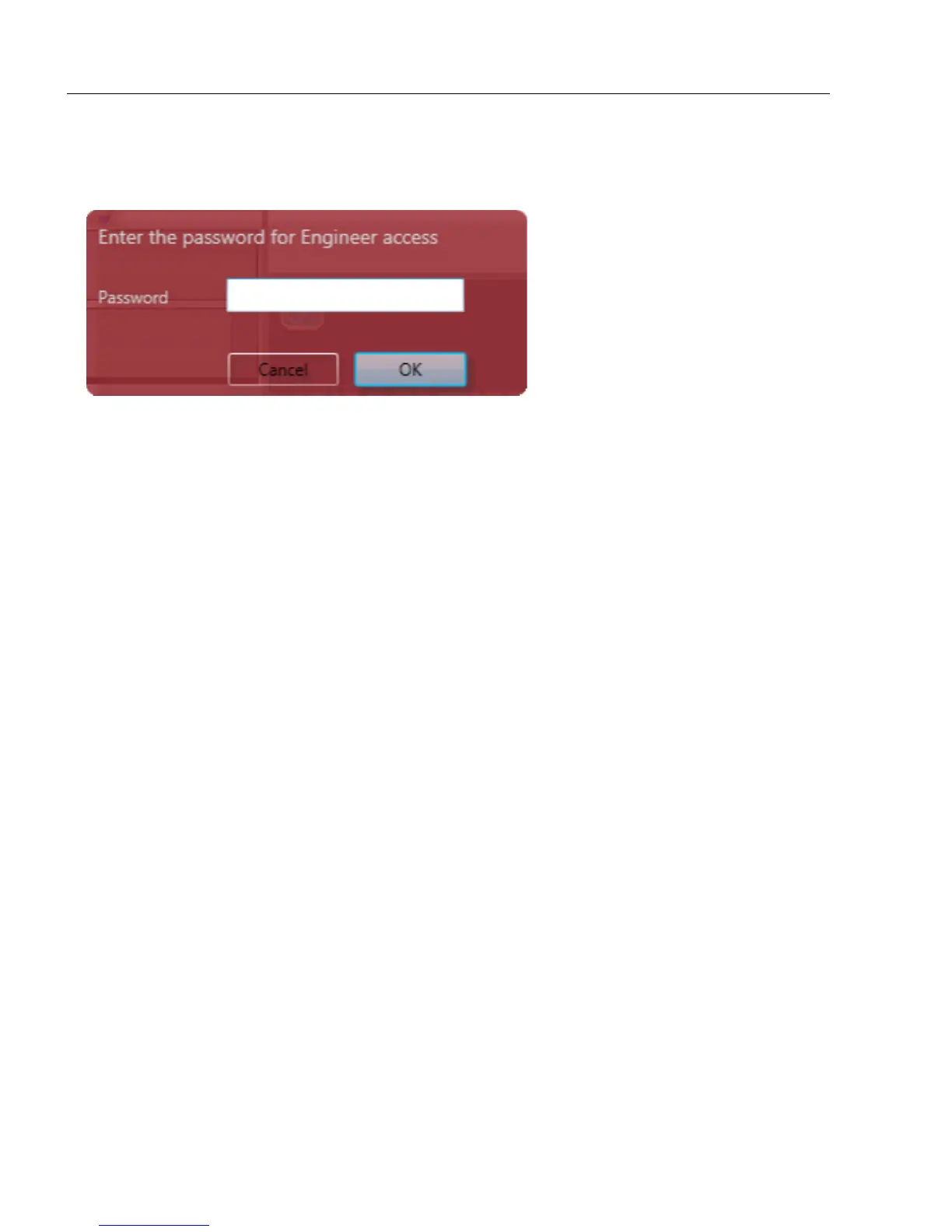
example, click the Engineer… button. You will then see the password field:
Enter the password and click
OK
. If the password is correct, the access level is changed. If the
password is incorrect, an error message is displayed and the access level remains unchanged.
The default passwords for the four access levels are:
• Operator: No password required.
• Supervisor: supervisor
• Engineer: engineer
• Administrator: administrator
Once you have entered the password for a particular level, you don’t need to enter a password
to reduce your access level. For example, if you currently have Administrator access, you
can click on the Engineer or Supervisor buttons and your access level will be reduced
instantly. You only need to enter a password when you are increasing your access level.














 To Next Page