MicroHAWK Engine Integration Guide 1-37
Quick Start
Changing Passwords
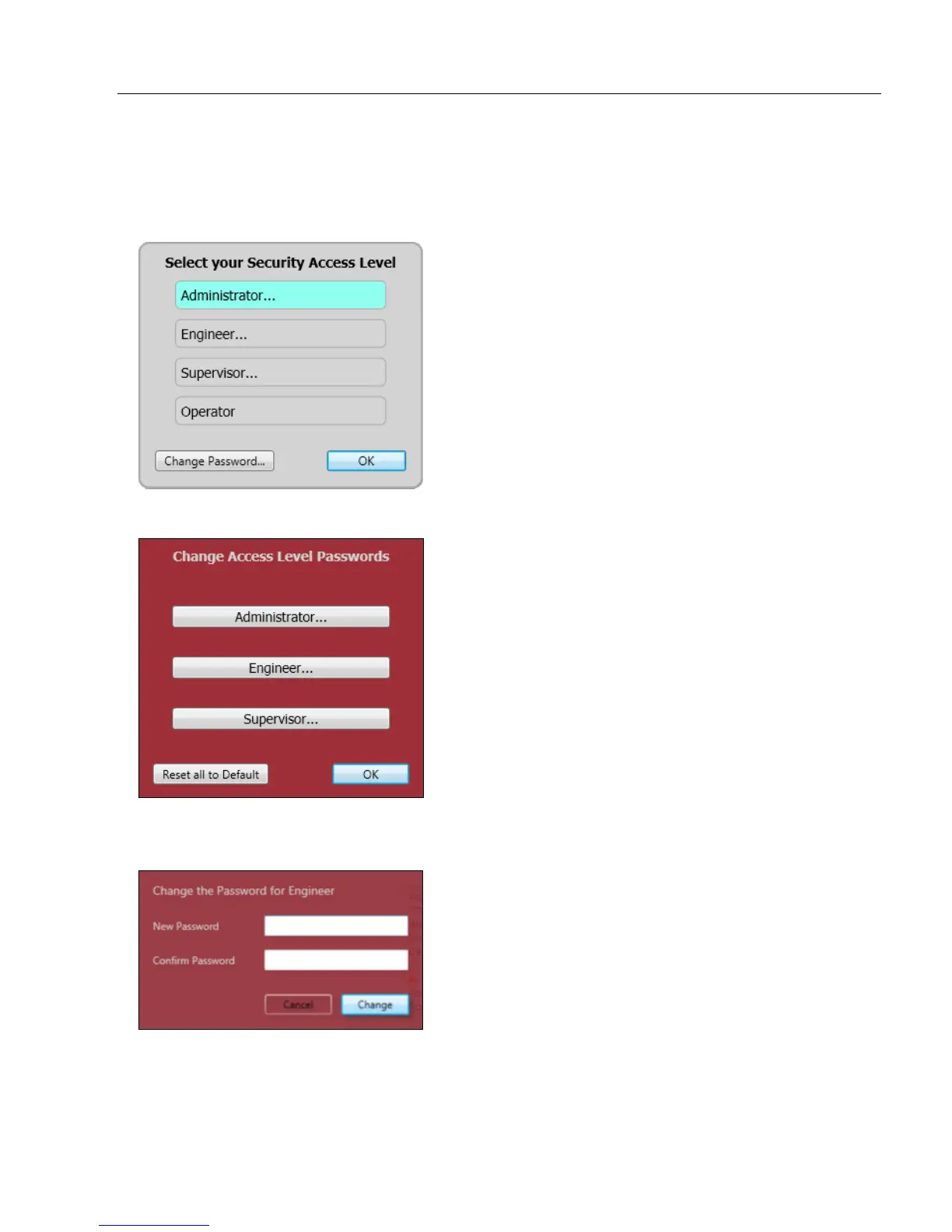
You must be an Administrator to change the password of any access level. If you change
your access level to Administrator, the Change Password… button at the bottom of the
Select Your Security Access Level dialog will be enabled:
Clicking Change Password… brings up the Change Access Level Passwords dialog:
Click the button that corresponds to the access level whose password you wish to modify,
and the Change the Password dialog will appear:
Click the Reset All to Default button on the Change Access Level Passwords dialog to
return all passwords to default.














 To Next Page