21
The remaining battery capacity determines the range of the B500/B500-S power wheelchair.
The following factors affect the battery capacity:
❒ Ambient temperature
❒ Age of the batteries
❒ Amount of use
❒ Charging process
Driving for an extended period of time in the lower range of the battery indicator will result in deep
discharge and therefore battery damage. In addition, there is the risk that the B500/B500-S power
wheelchair may stop due to zero battery capacity and bring the user into a dangerous situation.
The information on the nameplate of the charger must match the country-specic voltage of the
respective power supply network.
The charging receptacle of the B500/B500-S power wheelchair is located on the underside of
the control panel.
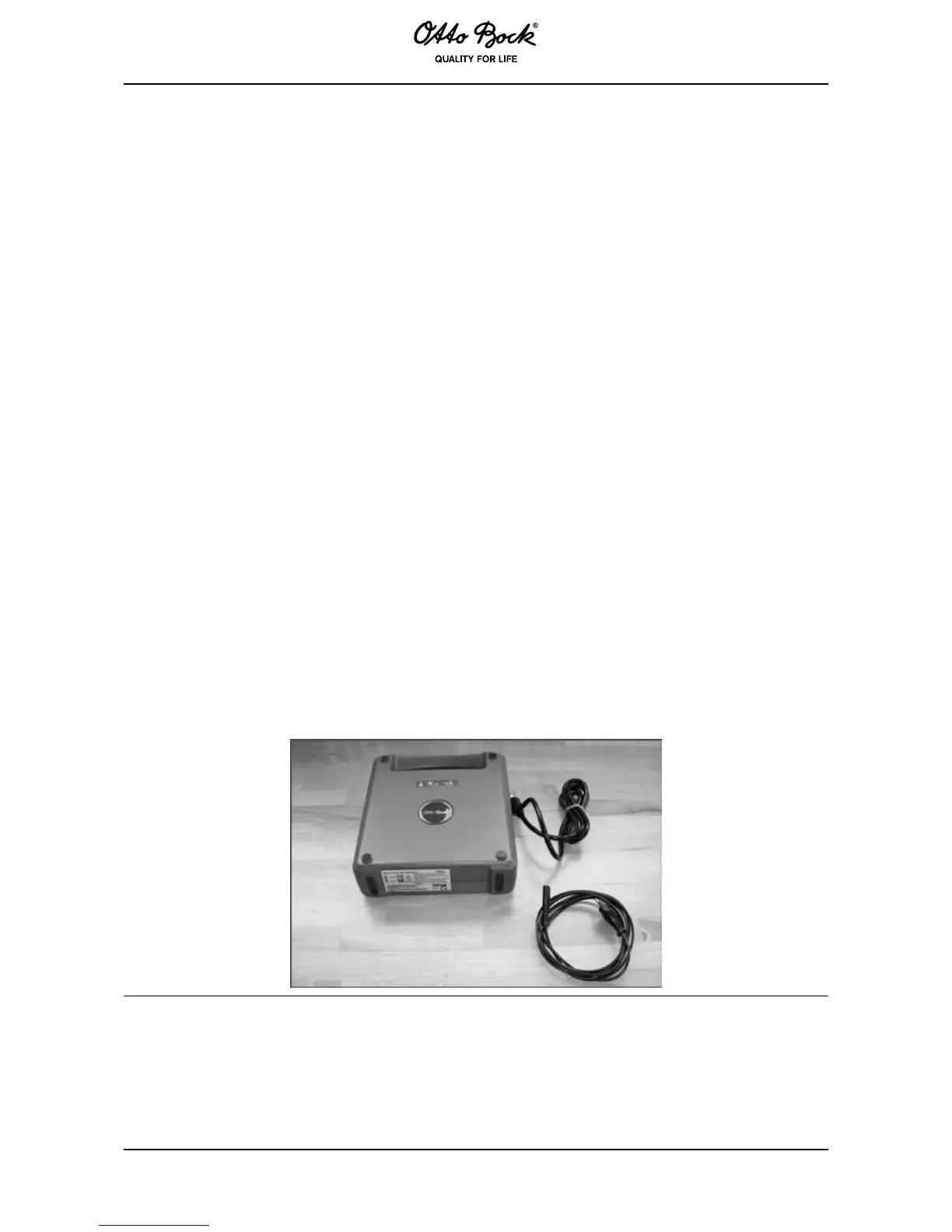
❒ Charger provided by Otto Bock.
1. Insert the 3-pin charger plug into the charging receptacle on the control panel.
2. Connect the charger to the power supply network.
3. Disconnect the power supply plug after the charging process is complete.
4. Disconnect the charging plug.
5. Turn the control unit of the B500/B500-S power wheelchair on and off. The B500/B500-S
power wheelchair is ready for operation.
The current battery capacity is displayed by LEDs. On the control panel, the charging status is
indicated by an increasing number of LEDs.



 To Next Page