87
Full Voltage 0 – 3 V Voltage above which 100% BDI (battery capacity) is displayed.
Empty Voltage 0 – 3 V Voltage below which 0% BDI (battery capacity) is displayed.
Reset Voltage 0 – 3 V Voltage at which the BDI (battery capacity) is reset to 100%.
Start Charge
Voltage
0 – 3 V Voltage above which the battery charging process is recognised.
Partial Charge
Min %
10 – 100 %
The charge in % required in order to reset the BDI to a higher value
in case of a partial charge. Rest Voltage overwrites this parameter.
Discharge Rate 0 – 30
Discharge rate for the battery. Higher values apply to larger bat-
teries that discharge more slowly.
Charge Rate 0 – 30
Charge rate for the battery. Higher values apply to larger batteries
that charge more slowly.
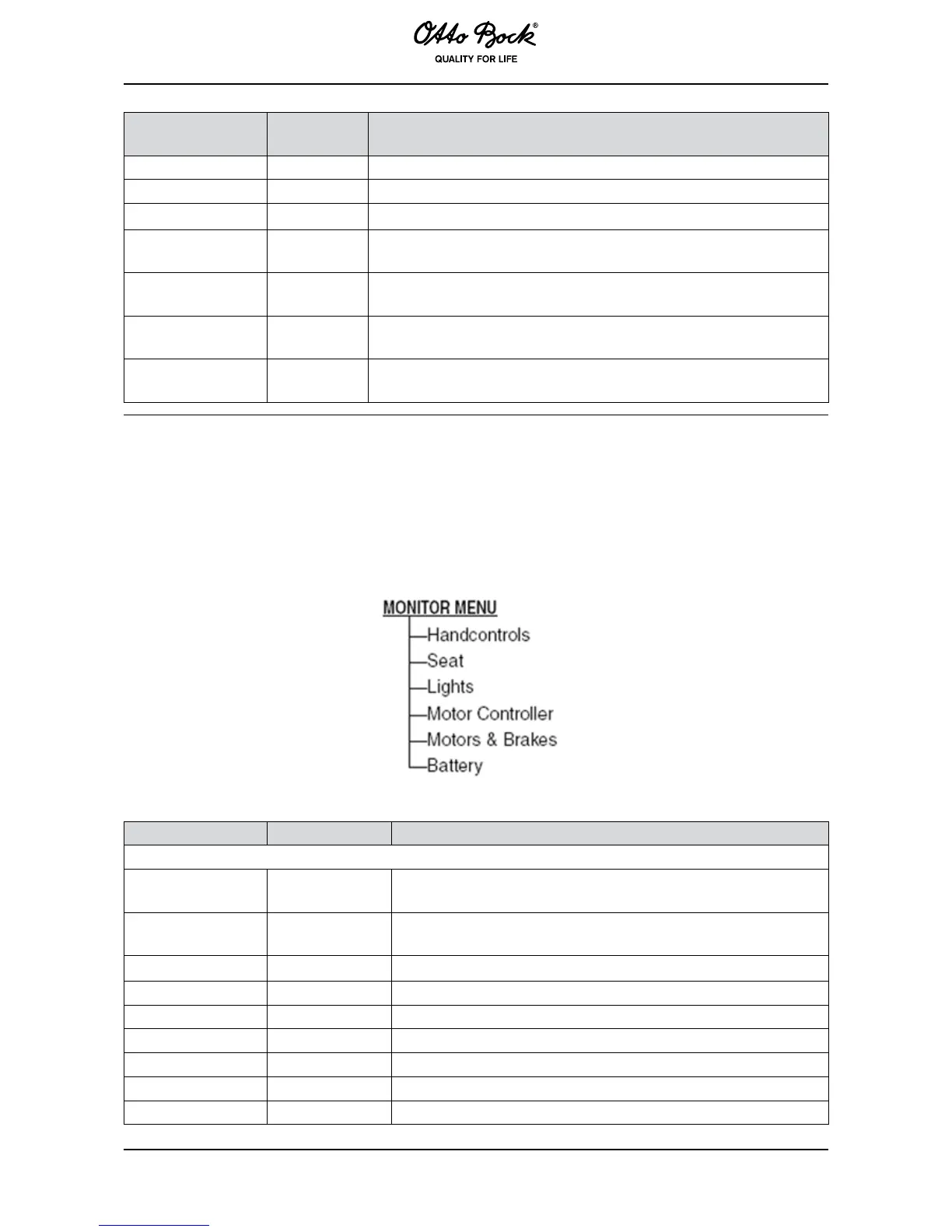
The Monitor menu is used by the hand programming device in order to access real-time data
during wheelchair operation.
The Monitor menu has six sub-menus:
Drive Command -100 – +100 % Requested, normalised (to 100%) Y-axis value of the joystick,
including the deadband.
Turn Command -100 – +100 % Requested, normalised (to 100%) X-axis value of the joystick,
including the deadband.
Speed Mode On/Off Speed Mode parameter setting.
Speed Command 0 – 100 % Value of the speed limit currently in effect.
Horn Button On/Off Status of the horn button.
Mode Button On/Off Status of the mode button.
Left Turn Button On/Off Status of the left direction indicator button.
Right Turn Button On/Off Status of the right direction indicator button.
Hazard Button On/Off Status of the hazard light button.



 To Next Page