89
diagnosed.
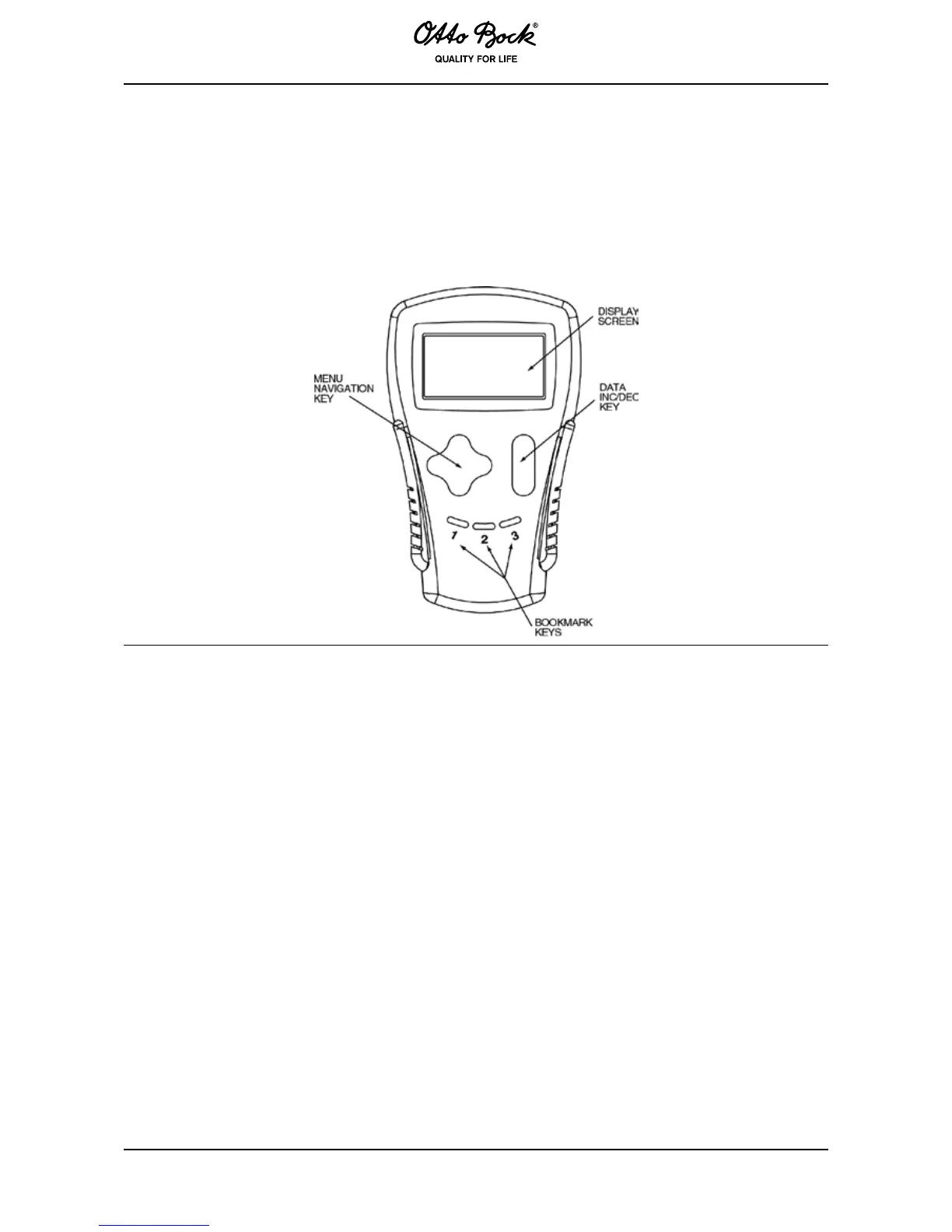
Power is supplied via the 4-pin plug of the connected J3 control unit. The hand programming
device consists of an LCD screen, buttons to navigate through the menus and change the pa-
rameter values (+/-) and three buttons to set bookmarks.
There are several versions of the hand programming device, each of which can change the
parameters for its own and lower levels of access. For example, the hand programming device
can modify dealer, service and user parameters but has no access to OEM parameters.
Due to its intuitive functions, the hand programming device is easy to operate. After connecting
the hand programming device , wait a few seconds until control unit data have been uploaded.
The hand programming device may remain connected while operating the power wheelchair in
order to experiment with the parameters.
The bookmark buttons can simplify programming. For example, when setting the neutral zone
of the drive encoder, a bookmark may be set on this parameter in the drive encoder sub-menu
[Program> Throttle> Throttle Deadband] and a second bookmark on the display of the drive
encoder value [Monitor> Inputs> Throttle Input]. This makes it easy to jump back and forth be-
tween the parameter and the display for the value.
You must press one of the three bookmark buttons for at least 2 seconds in order to set a book-
mark. Briey press the corresponding button (<2 seconds) to jump to the saved position.



 To Next Page