43
–
Turn the lever to position 3. The wheelchair can be pushed easily, even when turning. If
the wheelchair pulls to one side, tighten the Bowden cable on the corresponding side. The
adjustment process is described in Section 6.8.2 under “Adjusting a slack Bowden cable”.
6. I If no deviations are found during the tests described above, no readjustment is necessary.
6.9 Lighting
The lighting is connected to the controller underneath the seat (see Section 7.2 for connections).
The controller is pre-programmed. It can be adapted to the respective lighting system by pro-
gramming it using the handheld programming device (see Section 8.4).
The optionally available lighting for the B500/B500-S power wheelchair may be retrotted at
any time.
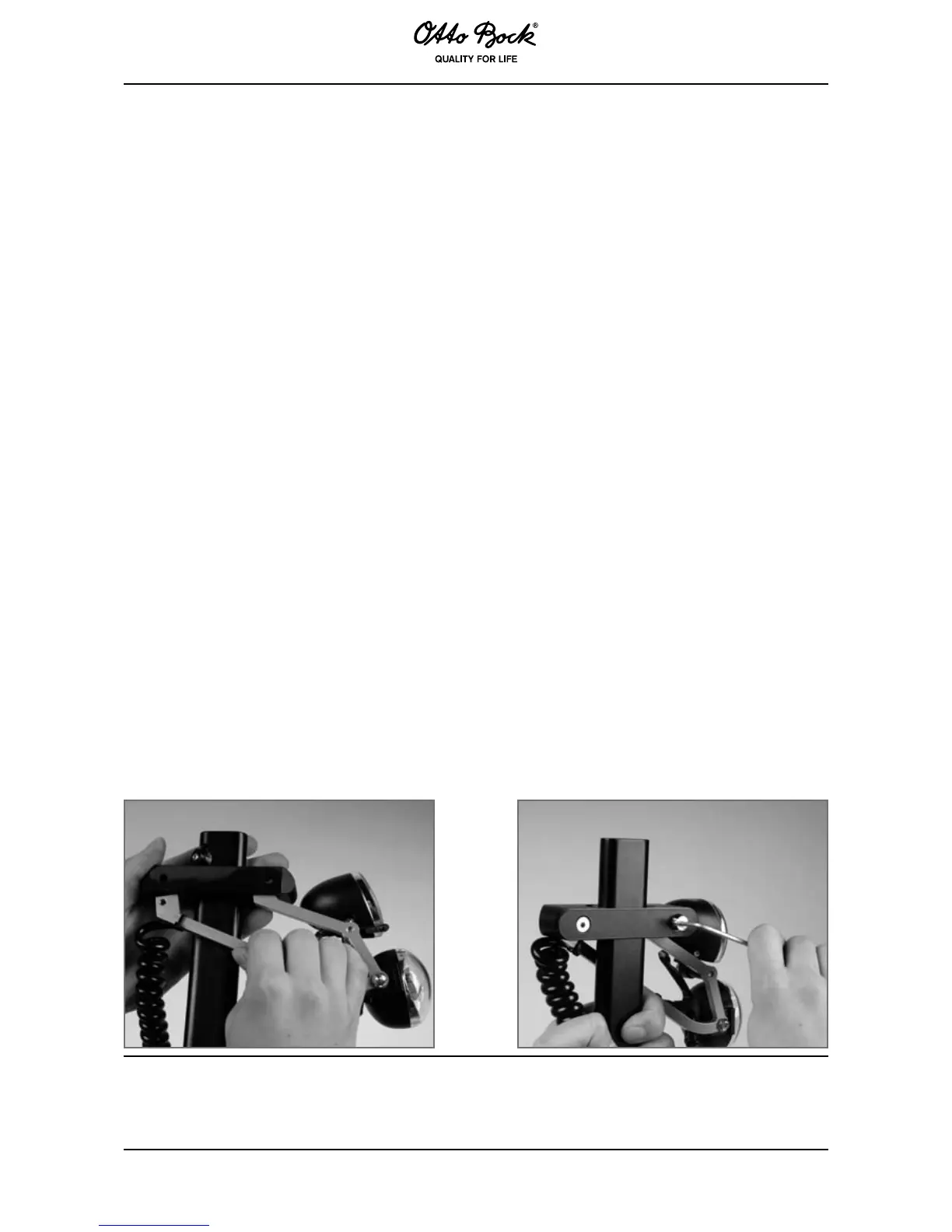
The front lights are attached to the side panel.
❒ Remove the side panel.
❒ Allen wrench, size 3
1. Unscrew the plastic adapter on the side panel.
2. Insert the light holder into the outer slots and screw into place (see Figure 34).
3. Attach the light cable along the seat frame using cable ties.
4. Connect the light cable to the corresponding input on the controller underneath the seat.
Properly reassemble all components upon completion of the work.



 To Next Page