146
Setting Inspection Conditions
4.7.12 Connector (Binary Window) and Connector (Gray Window)
What are Connector (Binary Window) and
Connector (Gray Window)?
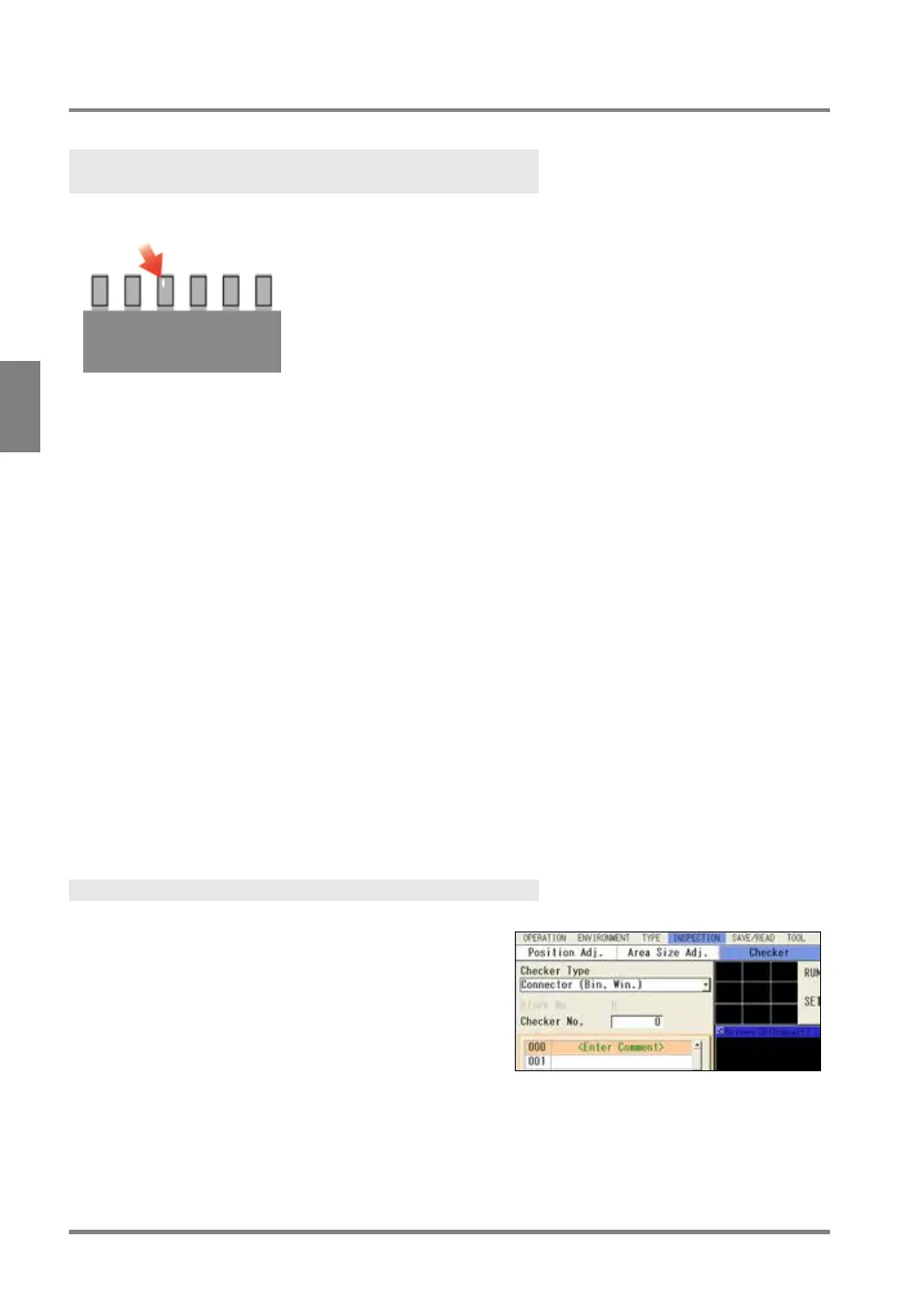
These are the functions that mainly perform appearance inspection such as foreign objects detection on IC
pins.
Connector (Binary Window) measures areas of multiple Binary Window cells set on the inspection line and
outputs the measured areas. Connector (Gray Window) measures gray average based on gray level of all
pixels in multiple Gray Window cells set on the inspection line and outputs the gray average.
These two checkers have different inspection methods as above, however, the setting procedures are the
same.
Output Data
Connector (Binary Window)
If the detected area of each cell is within the allowable range you have set, the
object will be judged as "OK", if it is outside the allowable range, the object will be
When judgments of all cells are “OK”, judgment of the checker will be “OK”.
Connector (Gray Window)
Gray average of each cell:
If the detected gray average of each cell is within the allowable range you have
set, the object will be judged as "OK", if it is outside the allowable range, the
object will be judged as "NG".
When judgments of all cells are “OK”, judgment of the checker will be “OK”.
Specifying Checker No.
1.
Select “Connector (Binary Window)” or "Connector
(Gray Window)" in "Checker Type".
2.
Select the checker No. list and specify a checker
number to set.
3.
Press the ENTER key to determine the checker No.
“Connector (Binary Window)” or "Connector (Gray
Window)" setting window is displayed.



 To Next Page