73
Setting Inspection Conditions
4.3.5 Error if Checker Area Outside Image
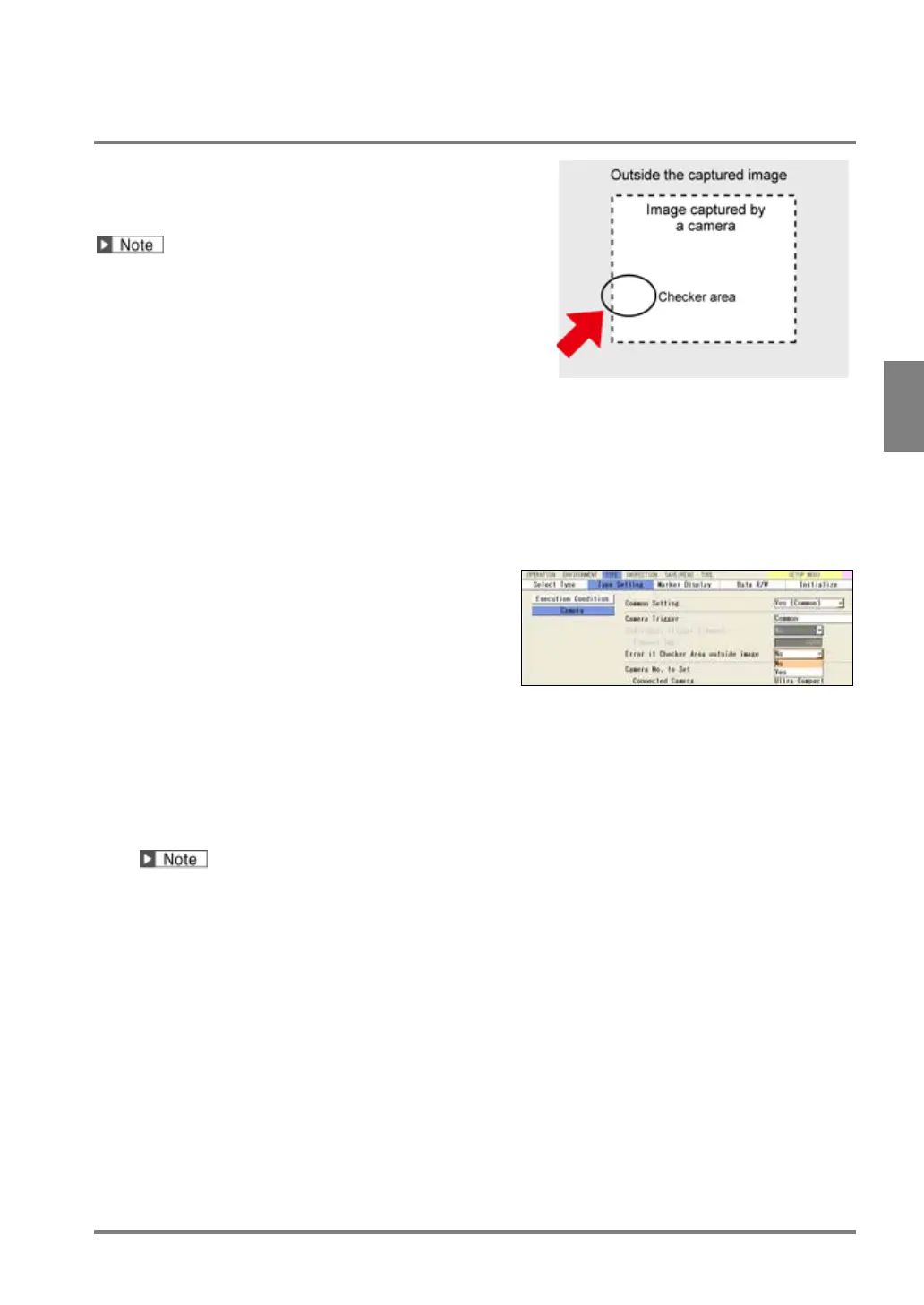
This function cancels the checker when its area is outside an
image captured by a camera after Position Adjustment or
Area Size Adjustment adjusted the area as the figure on the
right. In this case, the checker returns "Error".
• When "Part Area" is set to "Yes", an actually captured
image is the capturing range.
• When "Rotate" is used in the preprocess even though
"Part Area" is set, the capturing range is the size of
the image that partial imaging has not been executed.
1.
Select "TYPE" > “Type Setting” from the menu
bar.
2.
Select "Camera".
Camera setting window is displayed.
3.
Select “Yes” or “No” in "Error if Checker Area
outside Image".
No:(Default of earlier version than Ver2.2)
Executes a checker even if the checker area is
beyond the camera image.
Yes:(Default of Ver2.2 or later)
Cancels checker if the checker area is beyond the
camera image and outputs NG as a result. (The list of
checkers and Checker List show the checker is
ERROR.)
RUN
menu:
No ERROR output and no ERR
display.
SETUP
menu:
The list of checkers and Checker List
show the checker is ERROR.
Note that a checker is canceled if only a small part of the area is beyond the camera image regardless of
a checker adjusted by Position Adjustment and Area Size Adjustment because you can create a checker
area also outside camera capturing range.



 To Next Page