356
7.5 Information Display and Updating of PV500
7.5.1 Displaying PV Information
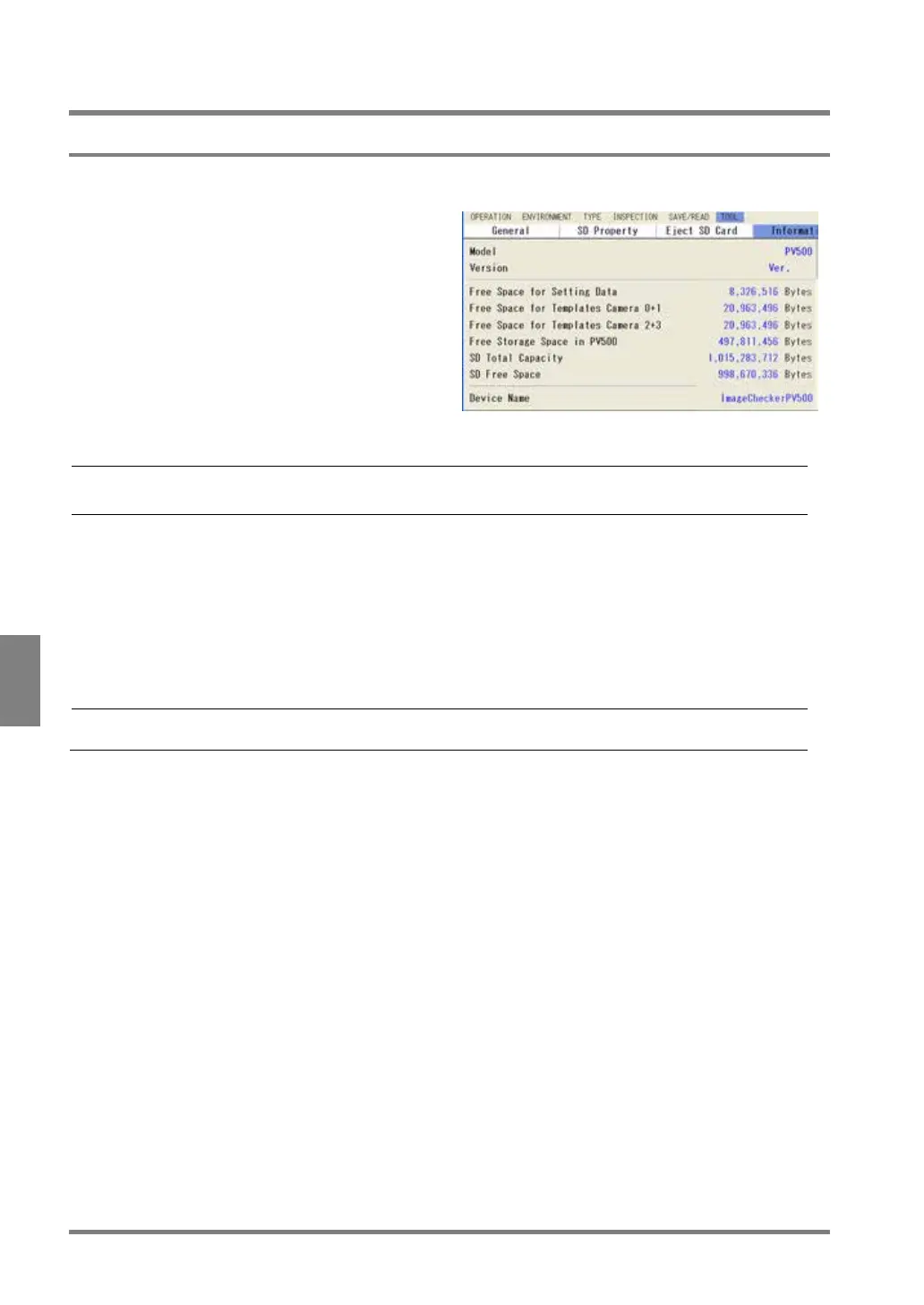
It displays the version information of your PV500 and memory usage.
1
. Select "TOOL” > “Information” from the
menu bar.
The information of PV500 is displayed.
Version of PV500 you are using 1.nn
Free Space for Setting Data
Free space in the memory for setting data which sets up to 256
product types. (except the memory for template)
Free Space for Templates Camera 0+1
Free space in the memory for template of Matching checker created
for Camera 0 and Camera 1.
Free Space for Templates Camera 2+3
Free space in the memory for template of Matching checker created
for Camera 2 and Camera 3.
Free Storage Space in PV500
Free space in the Storage Space in PV500 which sets up to 100 data.
This is displayed only when a SD memory card is attached.
“ImageCheckerPV500”
This can be changed. Refer to page 346 on how to change it.



 To Next Page