34
2.6 Supplying Power
Confirming Start
1.
Supply the power after confirming that the all connections are correct.
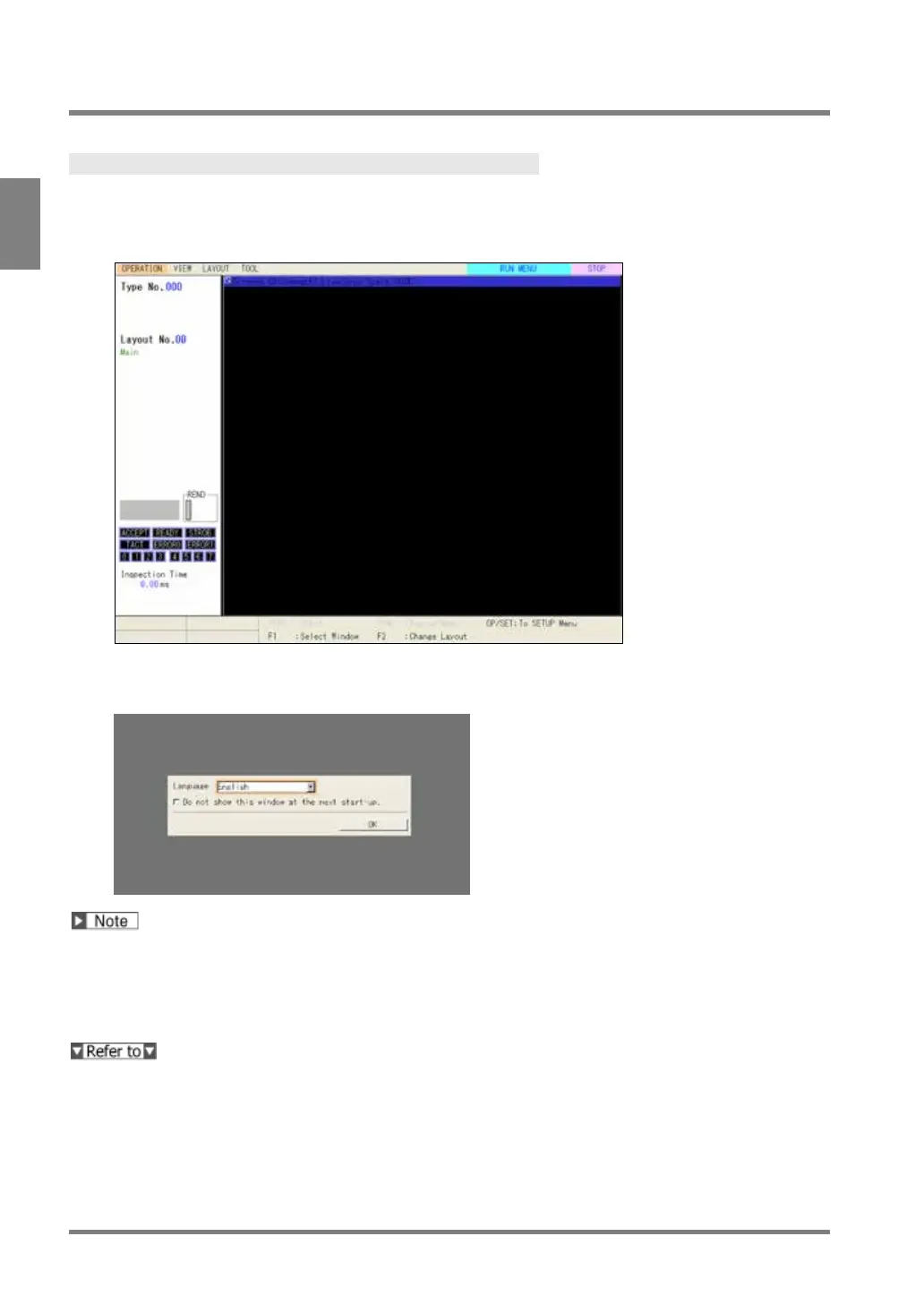
The splash screen appears and then the default screen of RUN menu is displayed.
When you start the very first time after delivery, the dialog to select interface language appears.
Refer to the next chapter for more details.
If the monitor screen displays nothing, confirm the following statuses.
• Is power supplied to PV500 correctly?
• Is the power switch of the monitor ON?
• Does the monitor cable connect correctly?
You can change splash screen. Refer to page 358 for details.



 To Next Page