291
Setting Inspection Conditions
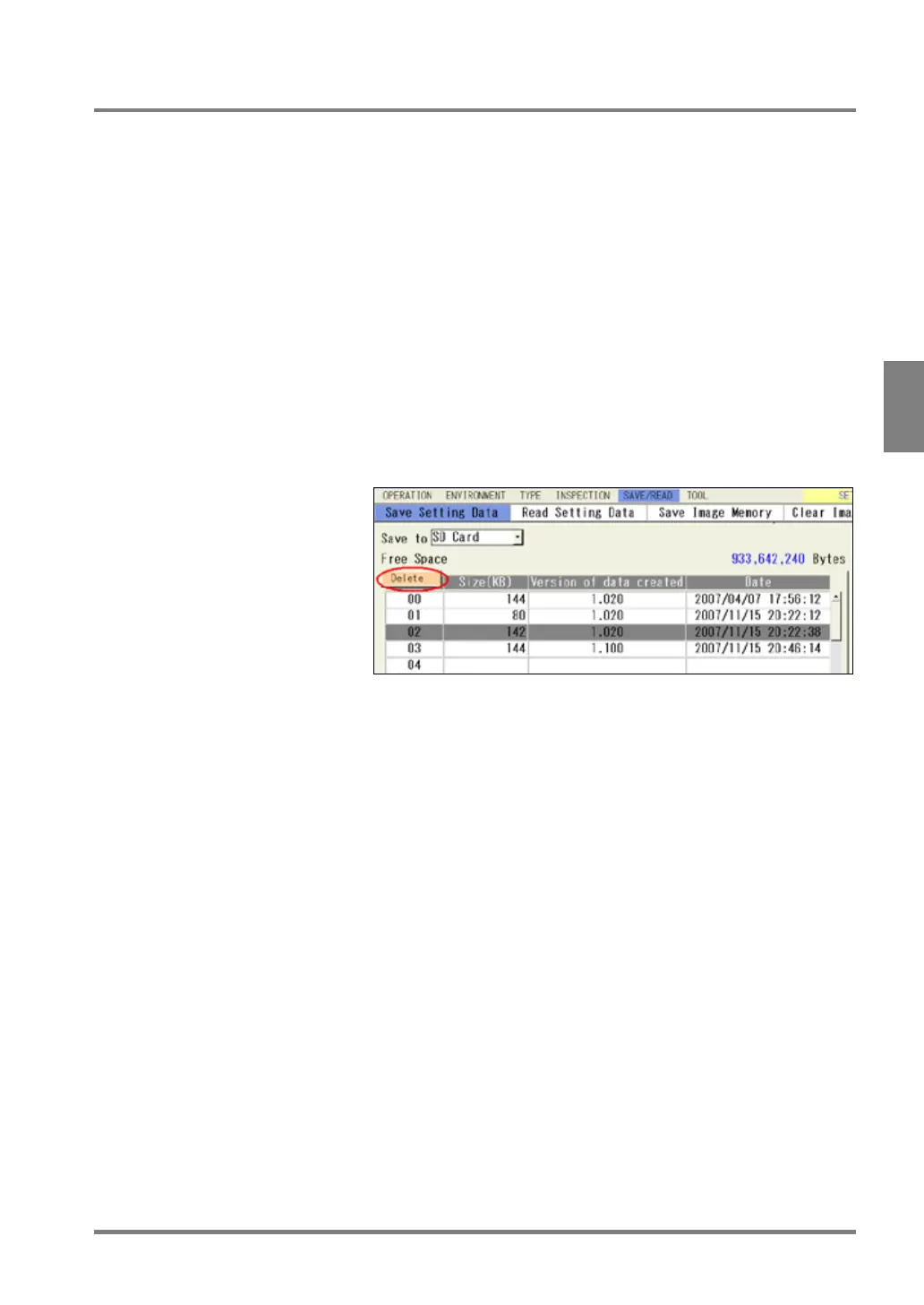
4.17.3 Deleting Setting Data
To delete the setting data registered in the Storage Space in PV500 or a SD memory card, follow the procedure
below. You cannot delete multiple data. Delete one by one.
1.
Select "SAVE/READ" from the menu bar.
2.
Select "Save Setting Data".
The setting data saving window is displayed.
3.
Select “Storage Space in PV500” or “SD Card” for “Save to” where the data to delete exists.
4.
Select the list and move the cursor onto the data to delete.
5.
Press the FUNC key and select “Delete” from the displayed menu.
The pop-up menu appears on the upper left of the window (under "Free Space").
6.
Select “Yes” following the message.
The setting data is deleted. If you select “No”, deleting is not executed.



 To Next Page