328
Setting of Operation and RUN Menu
5.3.4 Switching a Layout
The current layout can be switched to the registered layout. With keypad, you can switch from the layout list or
pressing the F2 key.
You can also switch it by inputting a signal from the external device.
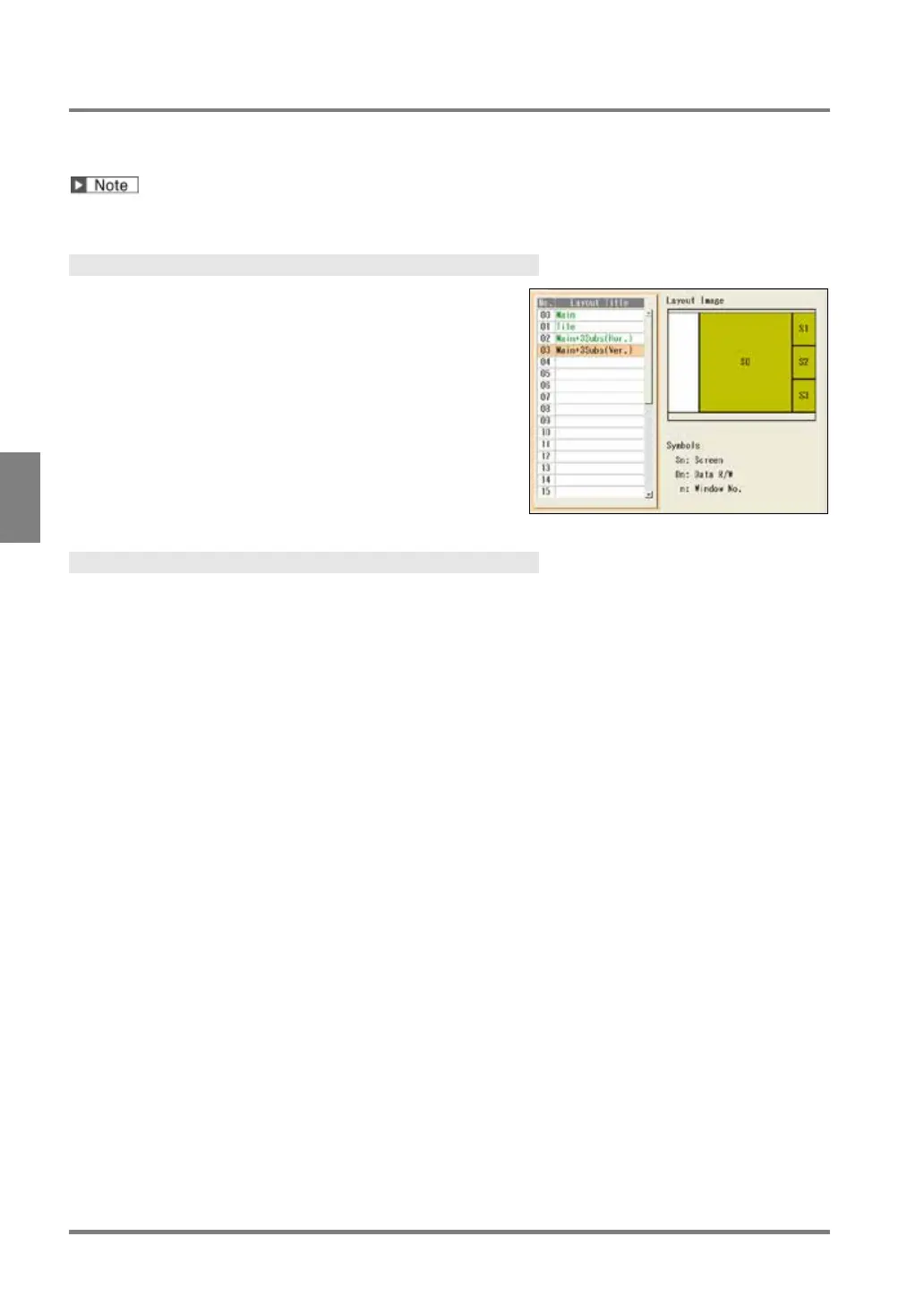
Selecting from Layout List
When many layouts are registered, switching from the layout
list is suitable.
1.
Select "LAYOUT" > “Layout” from the menu bar.
The layout setting window is displayed.
2.
Select a layout No. to switch to.
The screen returns to RUN menu and the selected layout
is shown.
Switching a Layout with the F2 Key
When registered layouts are less than 10, switching with the F2 key is suitable.
1.
Press the F2 key (: Change Layout) in RUN menu.
The screen switches to the layout of the next number.
2.
Pressing the F2 key again switches to the layout of the next number.
Each time you press the F2 key, the screen switches the layout in the registering order.



 To Next Page