280
Setting Inspection Conditions
4.16 Saving/ Outputting an Inspection Image
Captured inspection images can be saved in PV500, output to a PC through Ethernet, or saved in an attached
SD memory card. Also, you can read the images to change the checker settings and run a test.
Images that can be output/saved are gray images. (Preprocessed images cannot be output.)
4.16.1 About Image Memory
PV500 has multiple memories including the memory to store camera capturing images for inspection and the
one to store images for settings. In addition, you can output and save images to a SD memory card or a PC
connecting with the Ethernet port.
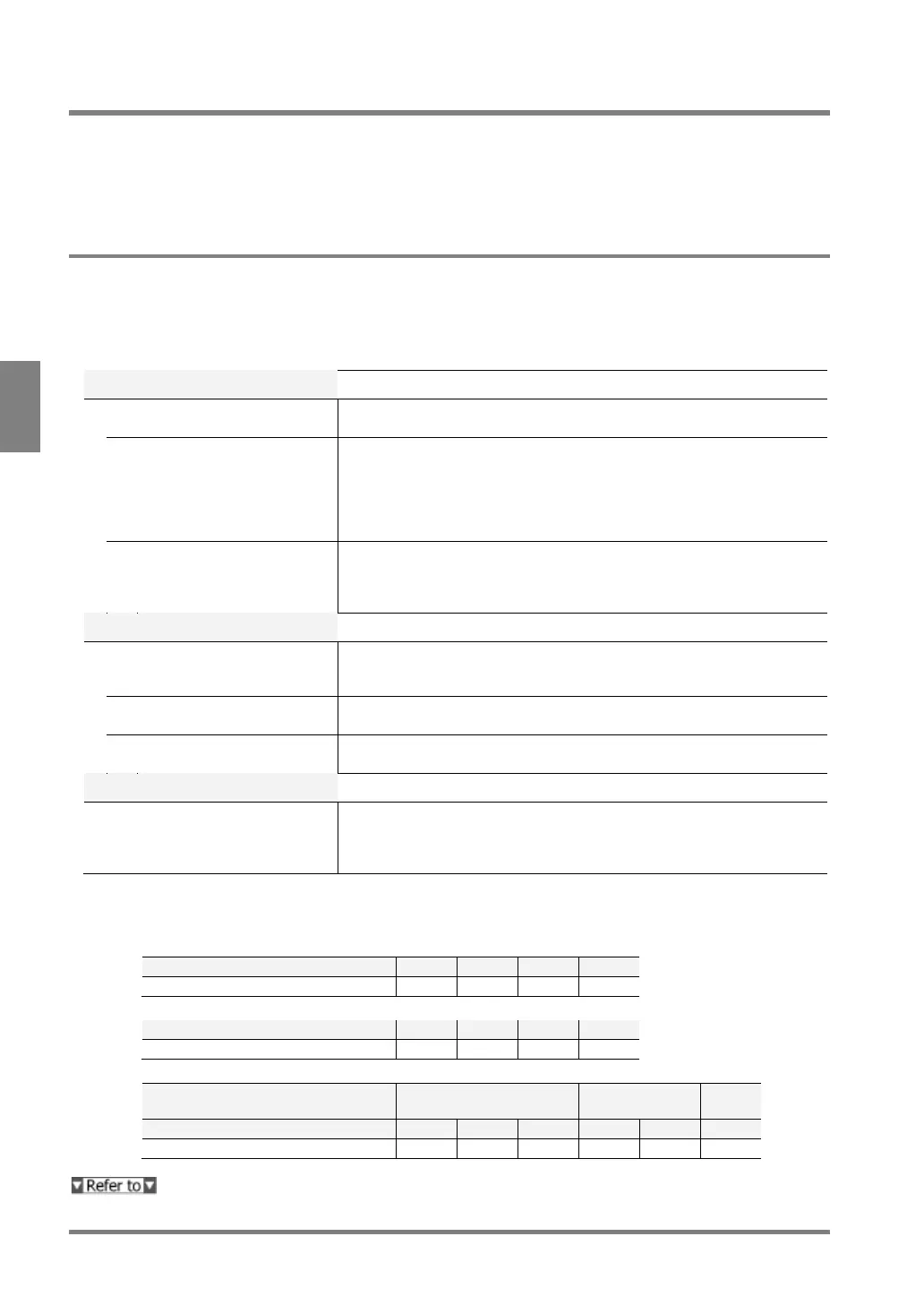
Storage Space of PV500 and External Devices to Store Images
PV500
The memory to store images captured by camera. Inspection executes
on the images.
An image in this memory is copied from the latest image of Inspection
image memory. The image is used to make checker setting. Setting
display image to “Memory” in SETUP menu shows the test image.
You can call up the images from the Save image memory (No.3 below)
and a SD memory card (No.5 and 6 above) to set checkers and execute
This memory saves all or some of images stored in the Inspection
image memory during inspections. Up to 498 sets* of images can be
saved. Images are saved during inspections according to the preset
SD memory card
The images stored in the Inspection image memory (No.1 above) are
saved in this place when outputting them to a SD memory card during
The images stored in the Test image memory (No.2 above) are saved
in this place. You can save them only when an inspection is stopped.
The images stored in the Save image memory (No.3 above) are backed
up in this place.
Ethernet (PC etc.)
Image Receiver
The images stored in the Inspection image memory (No.1 above) can
be output in Ethernet port during inspections. In this case, the PC
requires the designated software "Image Receiver" which specifies a
*) The number of sets of images can be saved varies depending on the combination of camera type and the
number of them.
• When using only Quad-speed camera or Ultra compact camera
Number of storable images (unit: set)
• When using only 2-mega camera
Number of storable images (unit: set)
• When using 2-mega camera with Quad-speed camera or Ultra compact camera
Number of Quad-speed cameras/
Ultra compact cameras
Number of storable images (unit: set)
For information on the setting of destination of print screen, refer to section 3.2.5 (page 52).



 To Next Page