29
2.4 XGA Monitor Installation
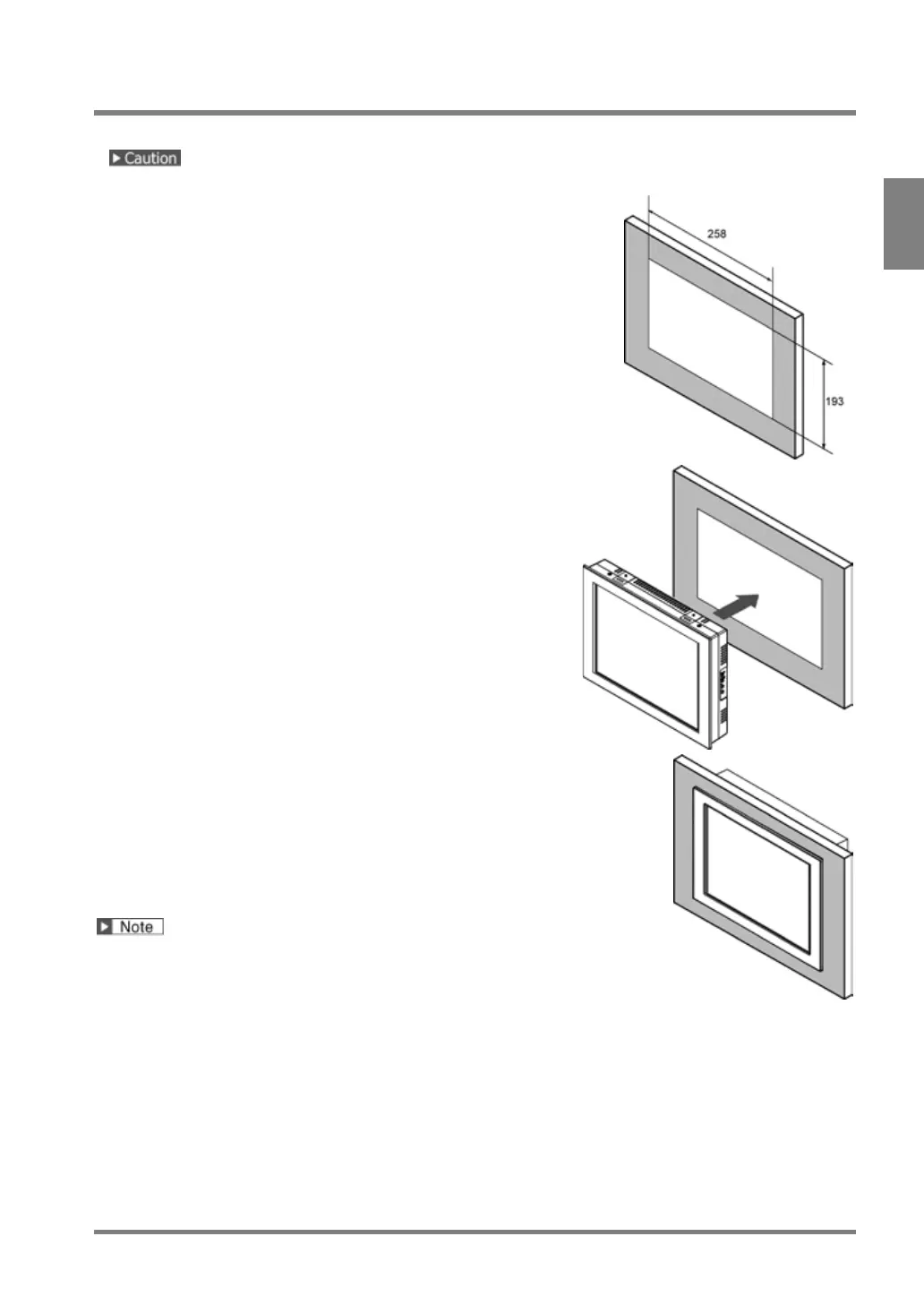
Install a XGA monitor: ANPVM11021 as below.
Never block the ventilation slits of the XGA monitor.
1.
Prepare a panel to attach a monitor.
Applicable panel thickness: 1 - 5 mm
2.
Insert the monitor into the panel.
3.
Attach the included attachment brackets to the monitor.
(4 places)
4.
Screw the attachment brackets to fix the monitor to the
panel.
Tightening torque: 0.5 to 0.6 N/m
Keep 50 mm spaces around the XGA monitor to prevent the
cables from being damaged and to increase work efficiency.



 To Next Page