434
10.2.4 Downloading images into Test Image Memory of PV500
This is the function that downloads the images stored in a PC into the Test Image Memory of PV500 (Ver.1.40
or later) by a command from PVWIN (Ver.1.10 or later).
Other than the images uploaded from PV500, images that meet the following conditions can be downloaded.
• 256-color bitmap format
• Size of 4 MB or less
1.
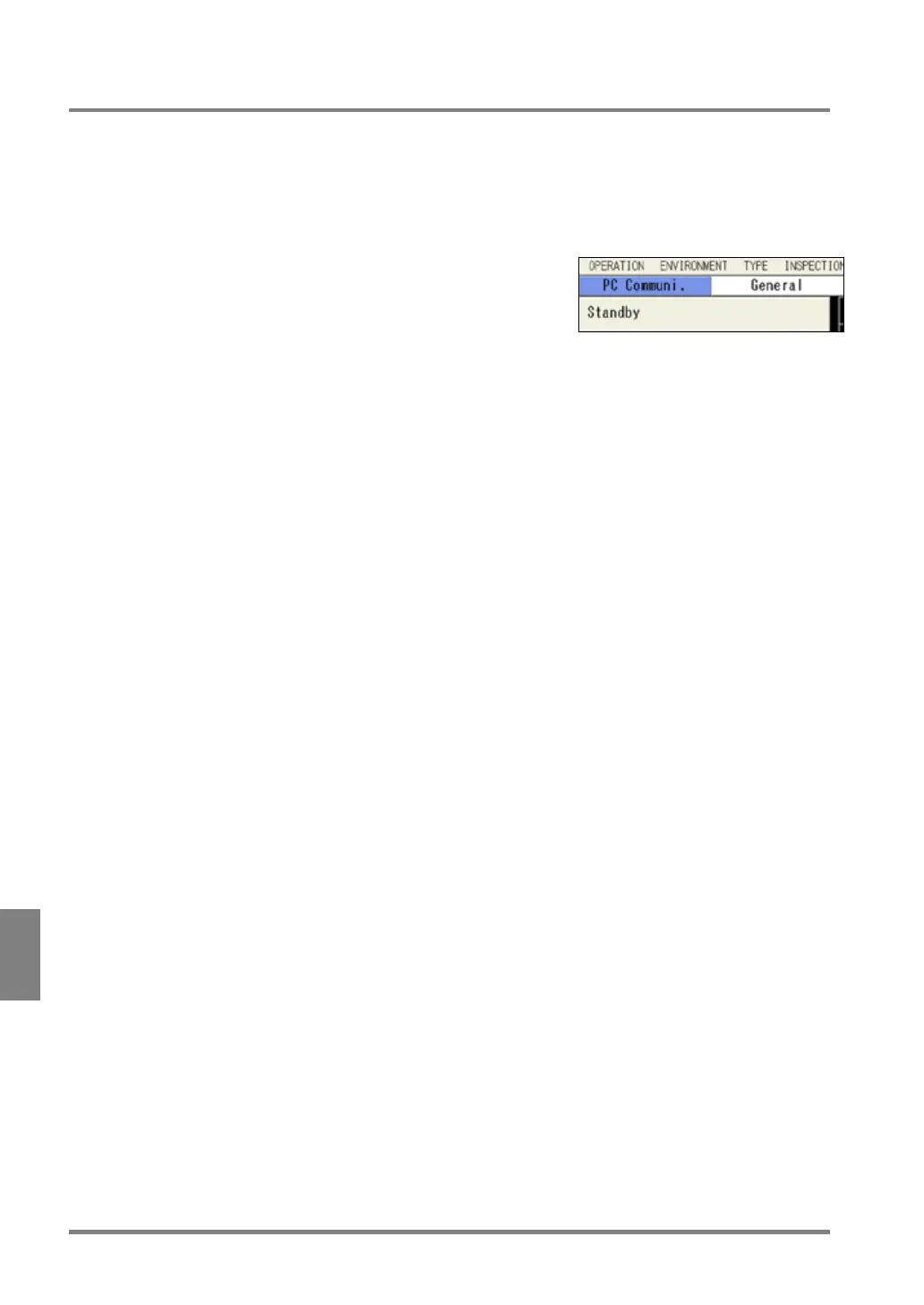
Go to SETUP menu and select “TOOL” > “PC Communi.”
from the menu bar.
The PV500 becomes to be able to communicate with PC and
the current communication status is displayed under the menu.
2.
Execute communication from PVWIN.
Specifying the destination of images with PVWIN starts communication. The display of PV500 changes to
“Transmitting…” Pressing the CANCEL key during the communication stops the transmitting and the
display changes to “Terminating...” and eventually to “Standby”.
When communication error occurs
When the devices cannot communicate, the display shows “Communication Error”. (When the next
transmission is executed, the display changes to “Transmitting...”)
When a communication error occurs, the notice is displayed on the screen of PVWIN or PVWIN and
PV500. Execute again after solving the problem described on the message.
3.
After transmission is completed, press the CANCEL key to cancel the communication mode.



 To Next Page