338
6.3 Input/output
This function assigns functions of signals input from the external device to PV500, and makes settings on
outputting result data and images.
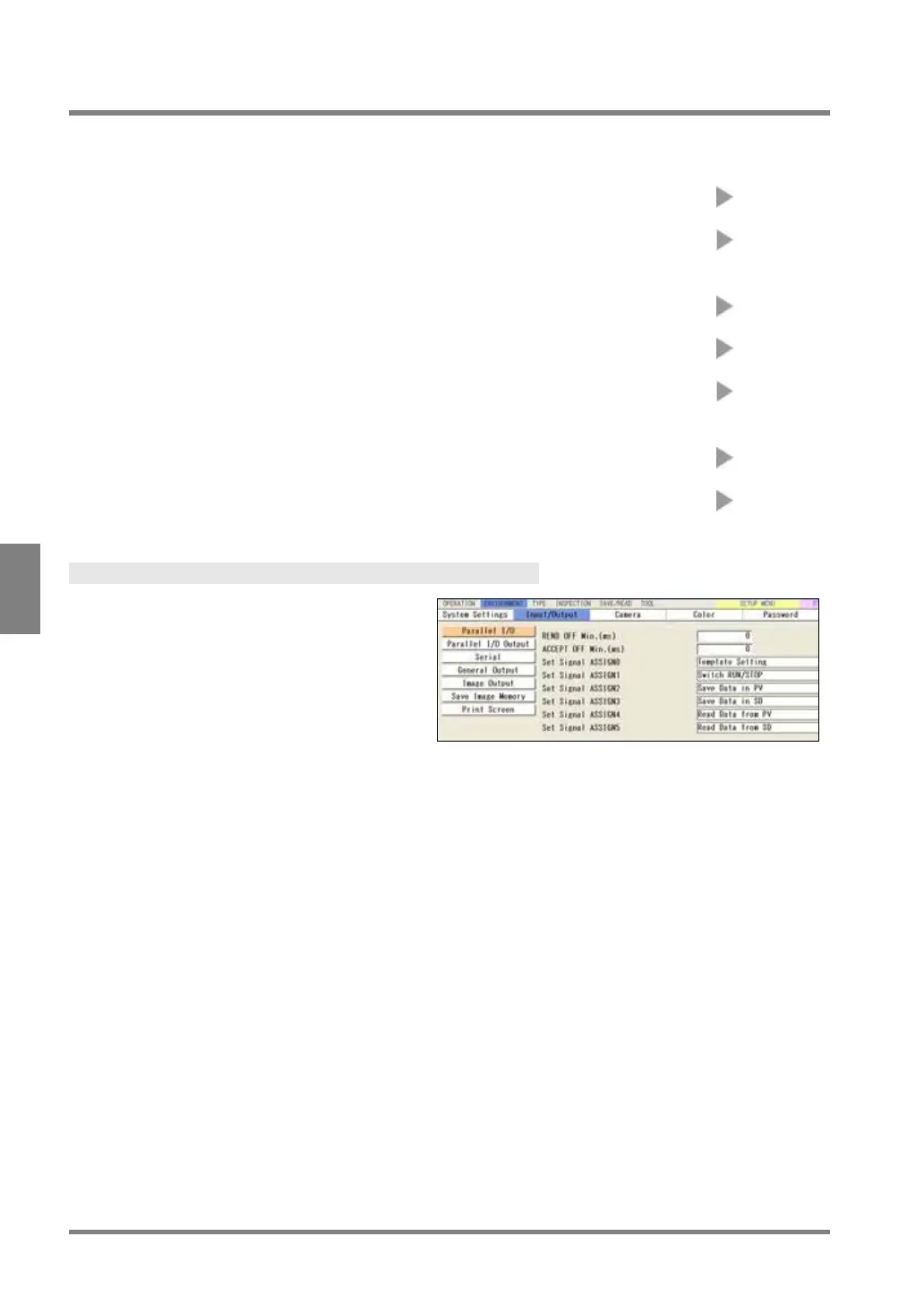
Parallel I/O:
Setting of the minimum OFF time of READ END signal and
ACCEPT signal, and assignment of ASSIGN0-5 signals.
Page 339
Parallel I/O Output: Setting of outputting inspection results through I/O interface
(Selecting the destination and output data, setting output
Page 270
Serial:
Setting of communication condition of COM.0 port (transmission
Page 339
General output:
Setting of outputting inspection results through RS-232C
interface and Ethernet interface
Page 276
Image output: Setting of outputting inspection images to the external device
(Selecting the destination and output camera image, setting
Page 280
Save Image Memory: Setting to save inspection images in the image memory of PV
Page 286
Print Screen: Selecting a saving place of screen capture
Page 52
Displaying Input/Output Window
1
. Select "ENVIRONMENT" from the menu
bar.
2
. Select "Input/Output".
The screen of communication setting is



 To Next Page