23
2.3 Mounting a Camera
2.3.1 Selecting a Lens (View Range Table)
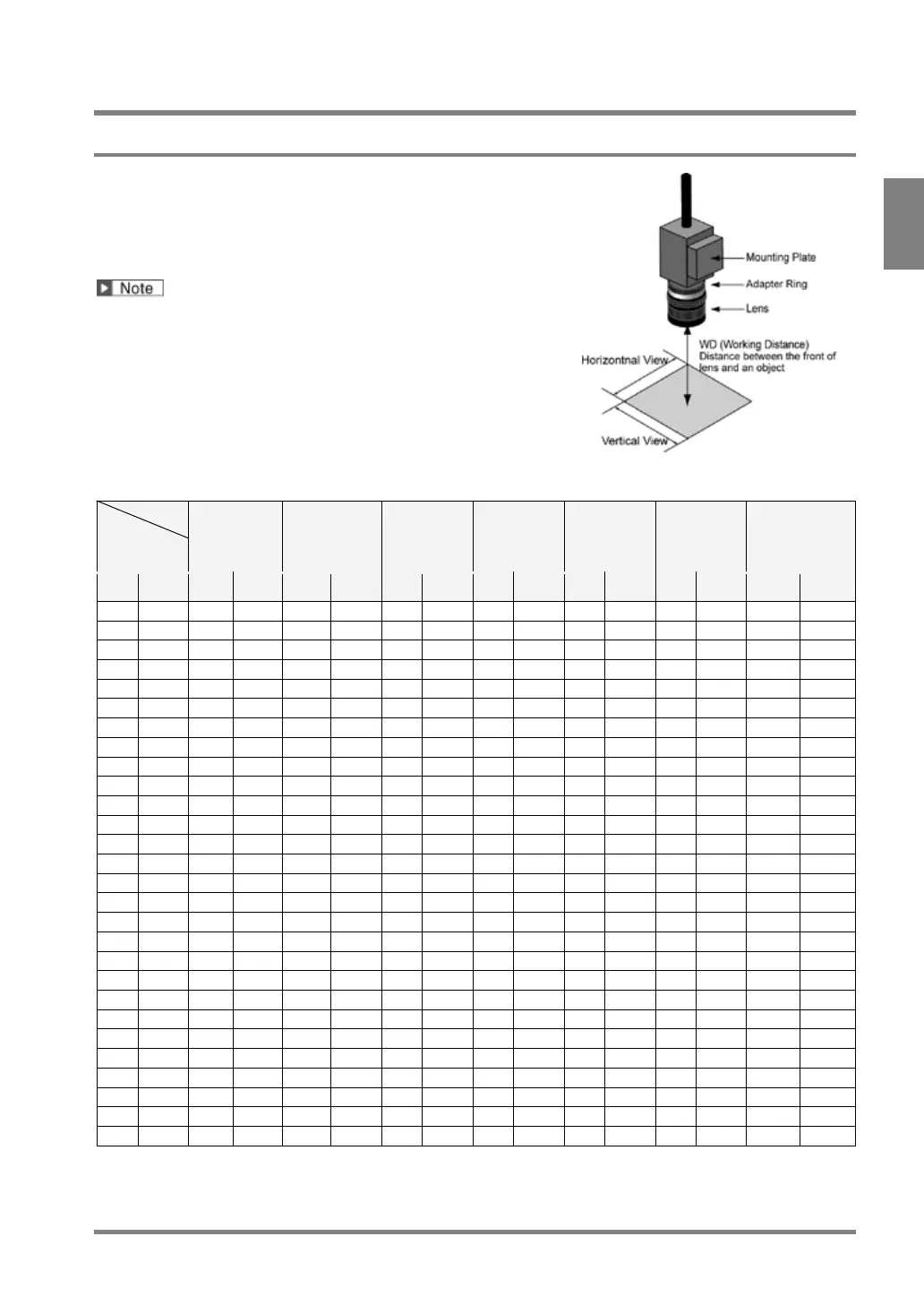
Select a lens according to the capturing range (view range).
Depending on the size of object, decide the capturing range (view
range). And then, referring to the view range table of each camera,
confirm the distance from the object to the camera (WD: work
distance) and select a suitable lens.
• The values in the tables are just guidelines. Adjust them
while checking an image on the actual device when you
mount a camera.
• Adapter rings may be needed in some cases. When you
use adapter rings, fix them between the lens and the
camera.
View Range Table - Quad-speed Digital Camera: ANPVC1040
Lens
ANM8850*4
ANM88501
f=50 mm
ANB847L
f=50 mm
ANB846NL
ANM88251
f=25 mm
ANB845NL
ANM88161
*1
f=16 mm
ANB 843L
f=8.5 mm
ANB 842NL
f=6 mm
Resolution
µm/pixel
Ver. Hor. WD
WD
WD
WD
WD
WD
Ver. Hor.
WD = The distance from the front of the lens to the object.
The values in the table are around the focal point of ∞, except as otherwise noted.
*1: WD=+4 mm *2: Lens focal position is in the closest position. *3: Lens focal position is in the middle
position.*4 :Discontinued product



 To Next Page