21
2.2 PV500 Installation
2.2.1 Mounting Arrangement
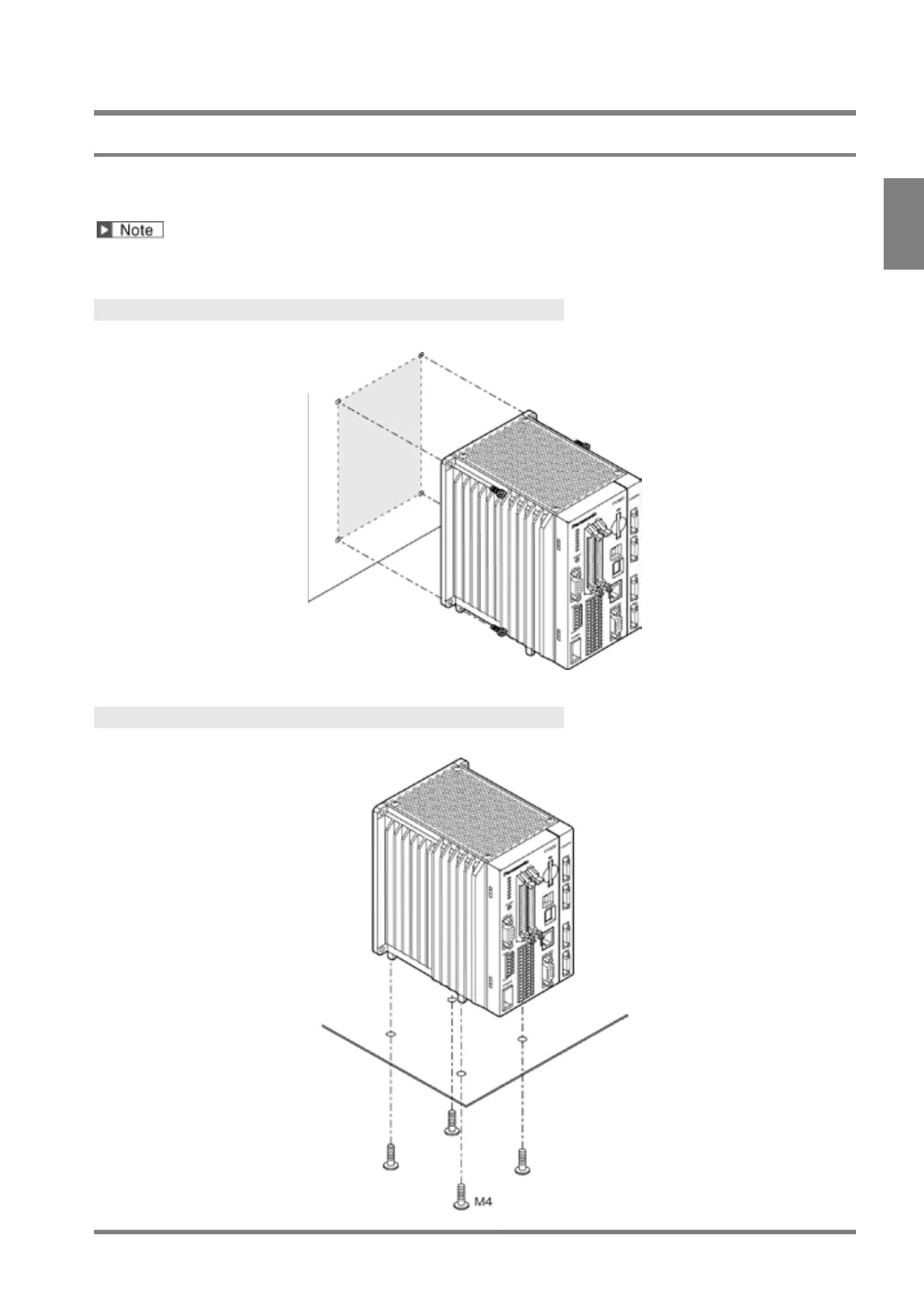
Install the main unit of PV500 by using the four mounting holes on the back side or using the screw holes on the
bottom side after replacing the rubber legs.
Before mounting PV500, attach a backup battery to it. Refer to page 315 on how to attach the battery.
Back Side Mount
Mount PV500 using four mounting holes (φ4.6). Use M4 screws (length of 10 mm or more) to mount.
Bottom Side Mount
Replace the rubber legs from the bottom side and fixate with M4 screws (length of screw joint is up to 8 mm).



 To Next Page