97
Setting Inspection Conditions
4.7.4 Line
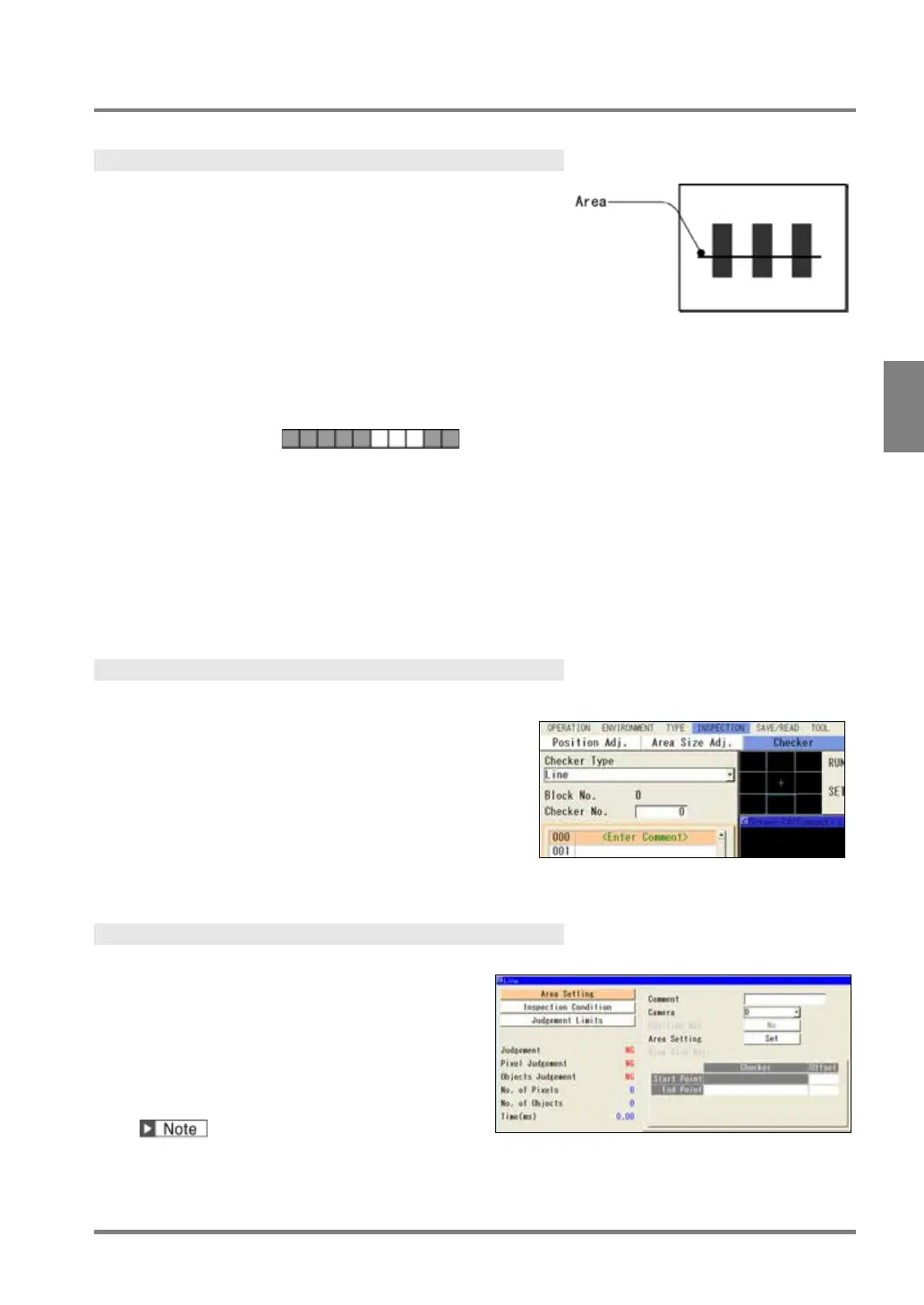
What is Line?
Line checker binarizes an image captured by a camera and
counts target colored pixels and the number of objects on a
line. Judges as OK/NG according to those values.
Output Data
Outputs in the number of target colored pixels on the line.
The number of parts of pixel string.
Example)
Target color = black
No. of Pixels = 7, No. of Objects = 2
Pixel Judgement:
If detected pixel count is within the allowable range you have set, the object will be
judged as "OK", if it exceeds the allowable range, the object is judged as "NG".
Objects
If detected object count is within the allowable range you have set, the object will be
judged as "OK", if it exceeds the allowable range, the object is judged as "NG".
(Total) Judgement: Total judgement result of Pixel Judgement and Objects Judgement.
If two of them are “OK”, the object will be judged as "OK"; otherwise, the object will
Specifying Checker No.
1.
Select “Line” in "Checker Type".
2.
Select the checker No. list and specify a checker
number to set.
3.
Press the ENTER key to determine the checker No.
“Line” setting window is displayed. The binary image is
displayed on the screen window.
Selecting a Camera
Select a camera image to set “Line” checker.
1.
Select “Area Setting” in “Line” setting
window.
2.
Select a camera No. in “Camera”.
The selected camera image is displayed.
Select a displayed image type (Live/Memory and Gray/Binary) or magnification in “Image Menu” opened
by pressing the F1 key.



 To Next Page