246
Setting Inspection Conditions
4.12.2 Total Judgement
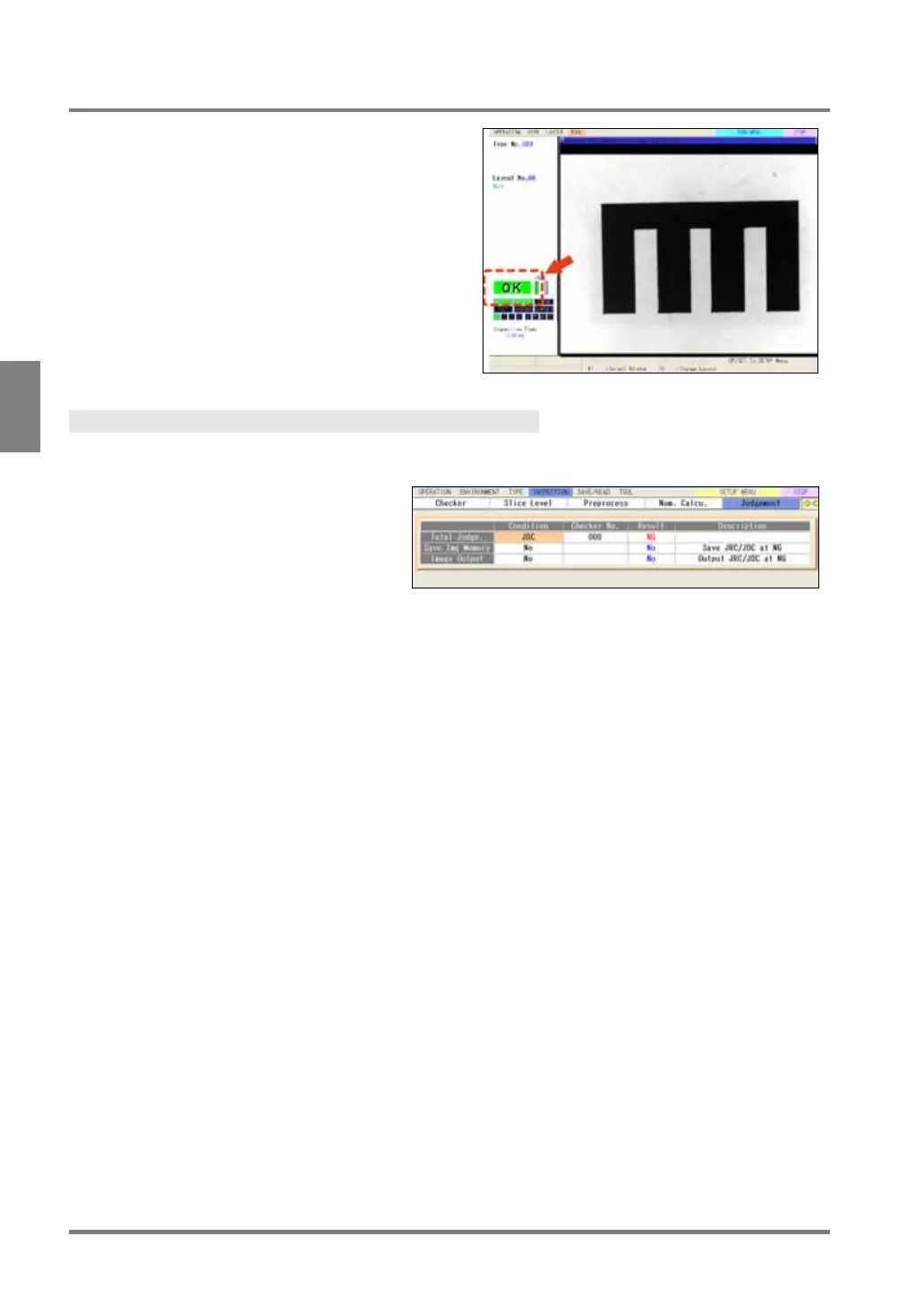
Total Judgement is a judgement displayed in the status
display area in RUN menu or SETUP menu. It can be
output to the external devices solely. One of
judgements per type can be registered as a Total
Judgement. In User-Defined mode or Automatic Switch
mode, a judgement can be registered as a Total
Judgement for each block.
Selecting Total Judgement Expression
For “Execute All” execution mode
1.
Select "Condition" in judgement
output setting window.
“Condition” setting window is displayed.
2.
Select “Condition” column of Total Judge.
Select a judgement type to register as a Total Judgement.
[NO]: No Total Judgement
[JRC]: Use a JRC(Internal) as a Total Judgement
[JDC]: Use a JDC(External) as a Total Judgement
3.
Select “Checker No.” column and set a judgement number.
The result of the Total Judgement is displayed in the "Result” column.
4.
After setting is completed, press the CANCEL key.
Now you completed registering.



 To Next Page