285
Setting Inspection Conditions
1.
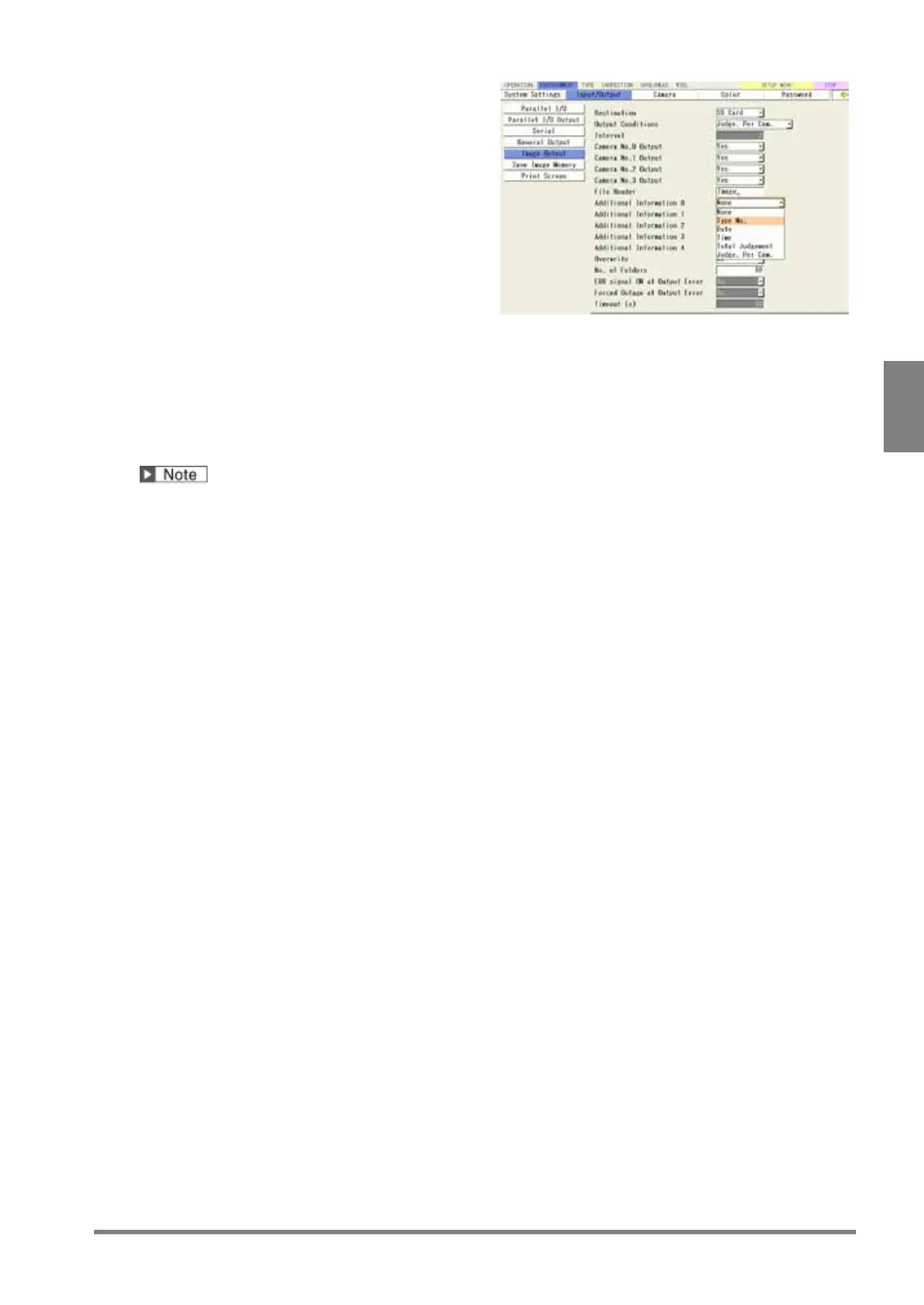
Enter “File Header” with the software
keyboard.
Default: “Image_”
2.
Select an item from four types for “Additional
Information 0” to “Additional Information 3”.
Select "None" when no additional information is
Additional information 0: Type No. (=50)
Additional information 1: Date (=20071215)
Additional information 2: Total Judgement (=NG)
Additional information 3: None
Camera No.0
Image_050_071215_NG_C0_0000100.bmp
Maximum number of digits for a file name is 50.



 To Next Page