294
Setting Inspection Conditions
Copying a Cell
To copy the data registered in a cell to the other cell.
1.
Select the cell that you want to copy and press the FUNC key.
The pop-up menu appears.
2.
Select "Copy".
3.
Select the cell that you want to paste and press the FUNC key.
The pop-up menu appears.
4.
Select "Paste".
Copying is executed.
Selecting Judgement Display
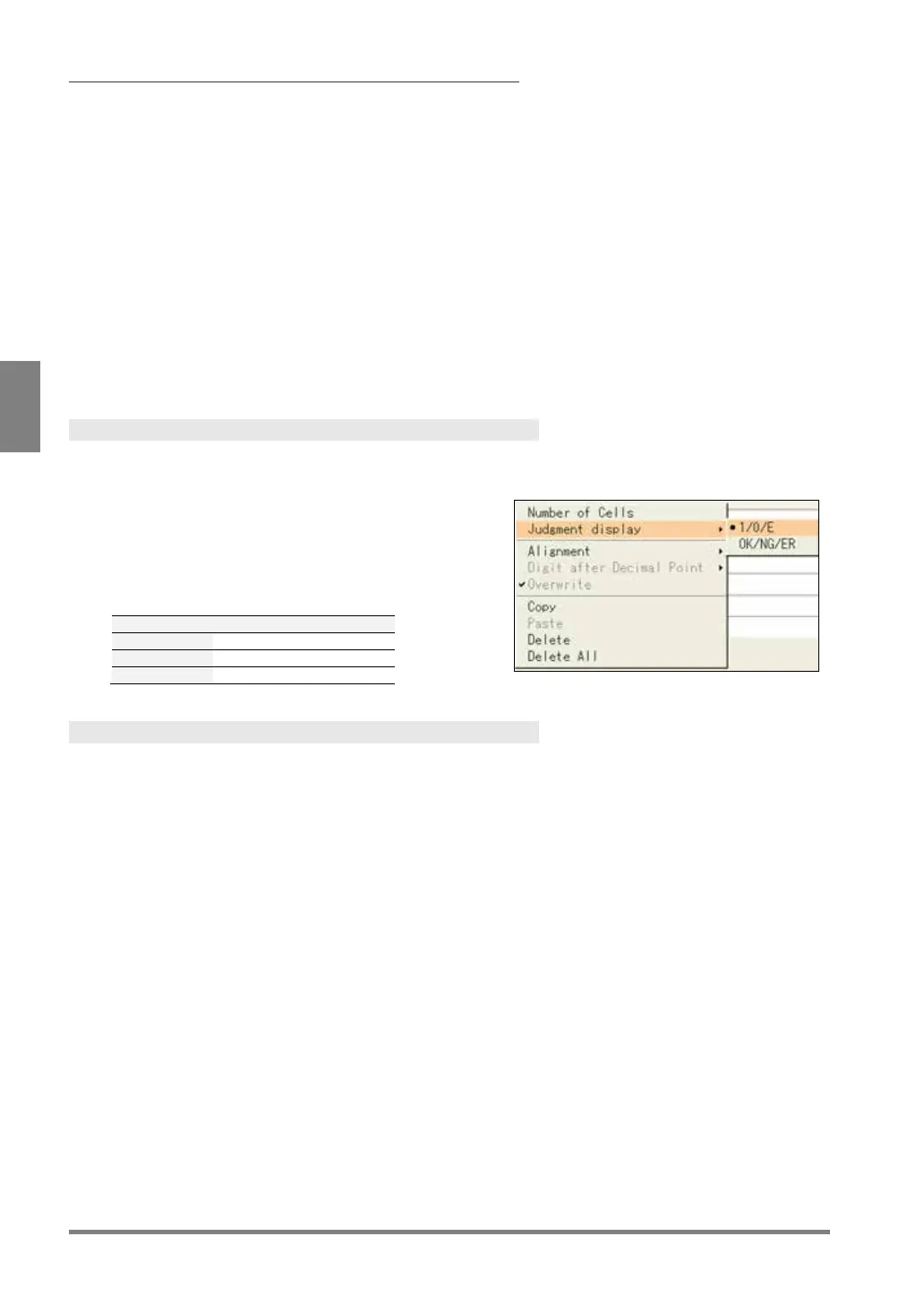
Display of Judgement can be changed. This setting is common for all Data R/W sheets. You cannot select
separately for each sheet or cell.
1.
Select the cell you have set a judgement in and
press the FUNC key. Then, select “Judgement
Display”.
2.
Select "1/0/E" or “OK/NG/ER”
Deleting a Cell, Clearing a Whole Sheet
1.
Select a sheet number of Data R/W.
2.
Select the cell you want to delete and press the FUNC key.
The pop-up menu appears.
3.
To delete only the selected cell, select “Delete”, and to delete a whole sheet, select “Delete All”.
The confirmation message appears. If you select "Yes", the registered data of a cell or a whole sheet are
deleted.



 To Next Page