407
Control with Communication Port
Setting Invalid/Valid of Keypad operation
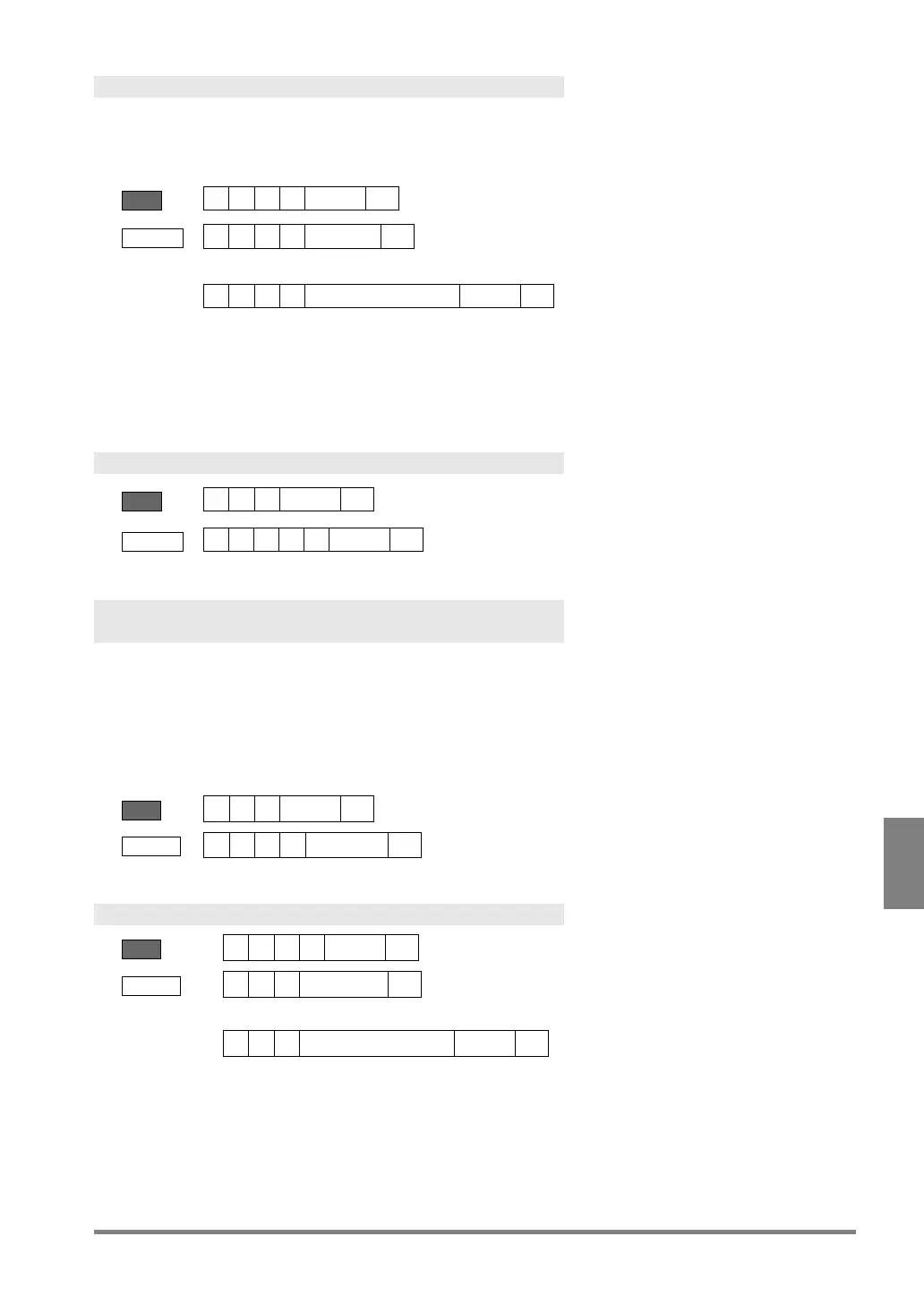
This is a command for prohibiting/permitting keypad operation in RUN MENU.
When keypad operation has been set to "Invalid", the keypad cannot be used. A message "Keypad is invalid" is
shown in the key guide space on the window. Even when setting to "Invalid", key emulate commands can be
received.
Send
? = 0-1 (0 = Valid. 1 = Invalid)
Error (ERROR 1 signal = ON)
Error Code
Not available because SETUP MENU is displayed.
Other number than 0.1 and 1 is specified.
Reading Keypad Operation Status
Send
BCC = 24 or **
Receive
? = 0-1 (0 = Valid. 1 = Invalid)
Canceling Inspection/ Processing (Cancel specific
operation)
Cancels the following active operations, and restores into the previous status before the operation.
• Cancellation of the operation of a serial command which has been received
• Abort of the status waiting for Individual trigger input
• Abort of output in the status waiting for result output after an inspection is complete
• Abort of image saving from Image Memory to a SD memory card
• Cancellation of template re-registration
BCC = 25 or **
Layout Switch
?? = 00 – 31 (Layout No.)
Receive
Error (ERROR 1 signal = ON)
Error code
• Although PV500 is operating (RUN), displaying SETUP menu cannot
• Other number than 00-31 is specified for layout number.
• No layout has been registered in the specified layout number.


 To Next Page
 Loading...

