427
Control with Communication Port
When Switching Types through PLC
Communication
1
. Select "ENVIRONMENT" > “Input/Output” >
“General Output” from the menu bar.
2.
Set “Protocol” to “PLC Communication”.
3.
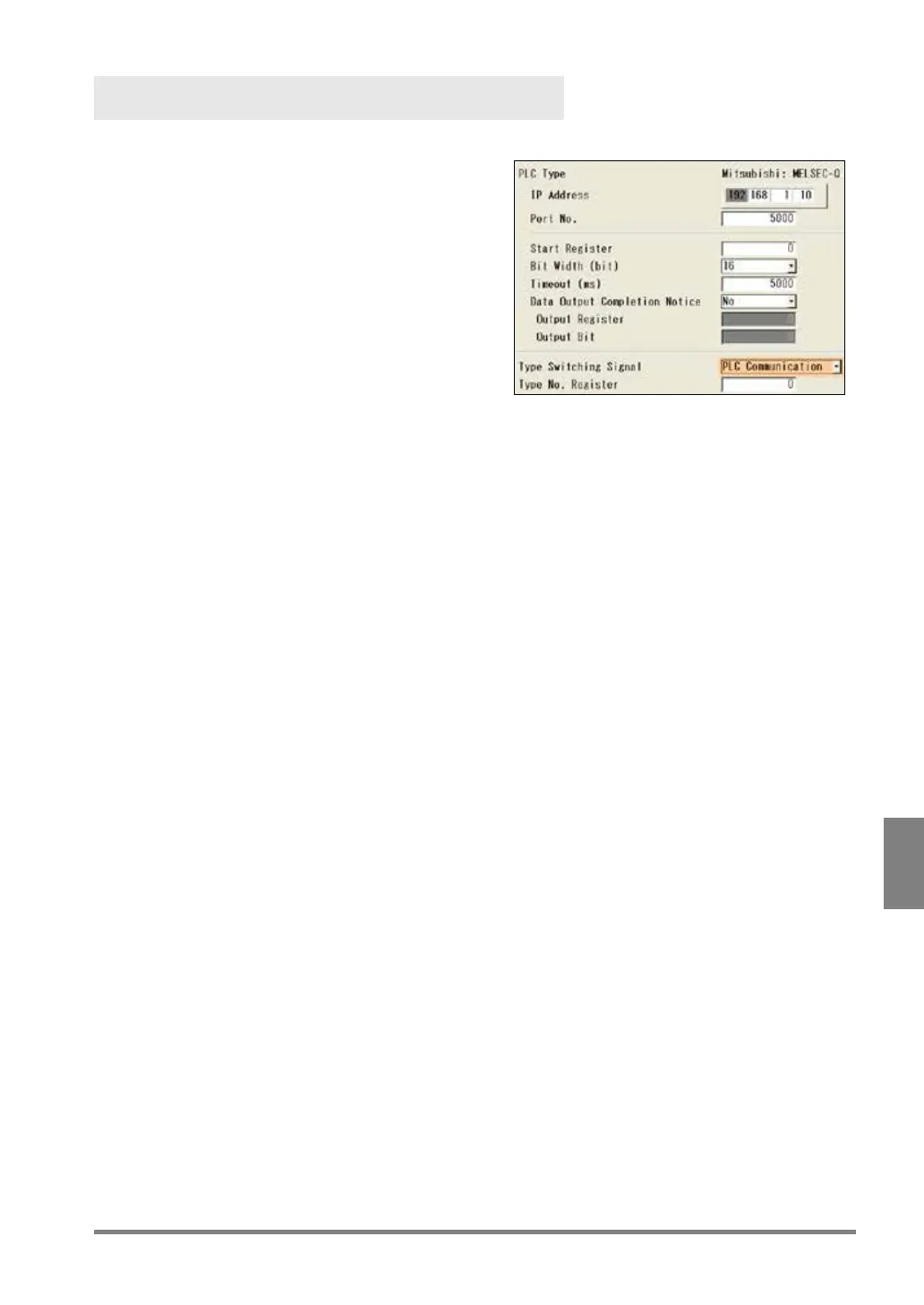
Select a destination in “PLC Type”, and select
"PLC Communication Setting".
4.
Select “PLC Communication” for “Type
Switching Signal”.
Setting of “Parallel I/O” (default) switches to Type
No. specified to IN0 - 7 of I/O terminals when
5.
Select a register to input a Type to switch in “Type No. Register”.
0 to 99999 are available.
Be sure not to use the same address for data output.



 To Next Page