45
Selecting Image to Display on Screen Window in SETUP
Menu
1.
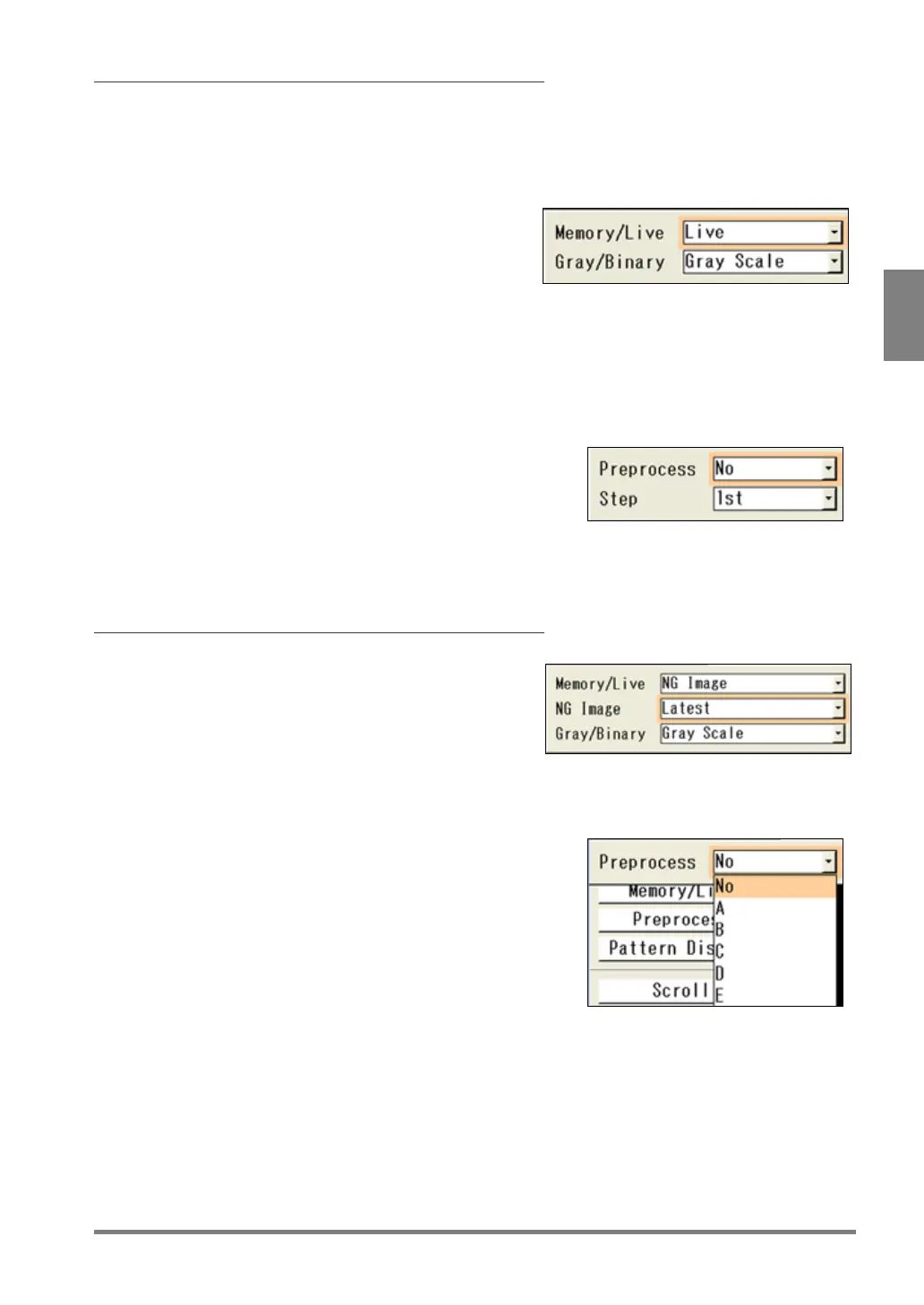
Select “Memory / Live” from Image menu.
The selection screen is displayed.
2.
Select Memory or Live in “Memory / Live”.
3.
Select Gray or Binary in “Gray / Binary”.
4.
Press the Cancel key.
5.
Select "Preprocess".
The preprocess selecting screen is displayed.
6.
Select a Preprocess group (A to E) in “Preprocess”.
Set "Step" under the item when you selected A to E for
"Preprocess".
7.
Press the CANCEL key.
Now you completed selecting a type of image to display
Selecting Image to Display on Screen Window in RUN Menu
1.
Select “Memory / Live” from Image menu.
The selection screen is displayed.
2.
Select Memory, Live, or NG Image in “Memory / Live”.
When you selected "NG Image", then select when the NG
of the image occurred from "Latest", "Previous", and
3.
Select Gray or Binary in “Gray / Binary”.
4.
Press the CANCEL key.
5.
Select "Preprocess" to set a preprocess group.
6.
Press the CANCEL key.
Now you completed selecting a type of image to display in



 To Next Page