106
3
Taking Pictures
This lets you set the desired shutter speed for expressing moving
subjects. You can take pictures of fast moving subjects that look still or
subjects that give a sense of movement.
1
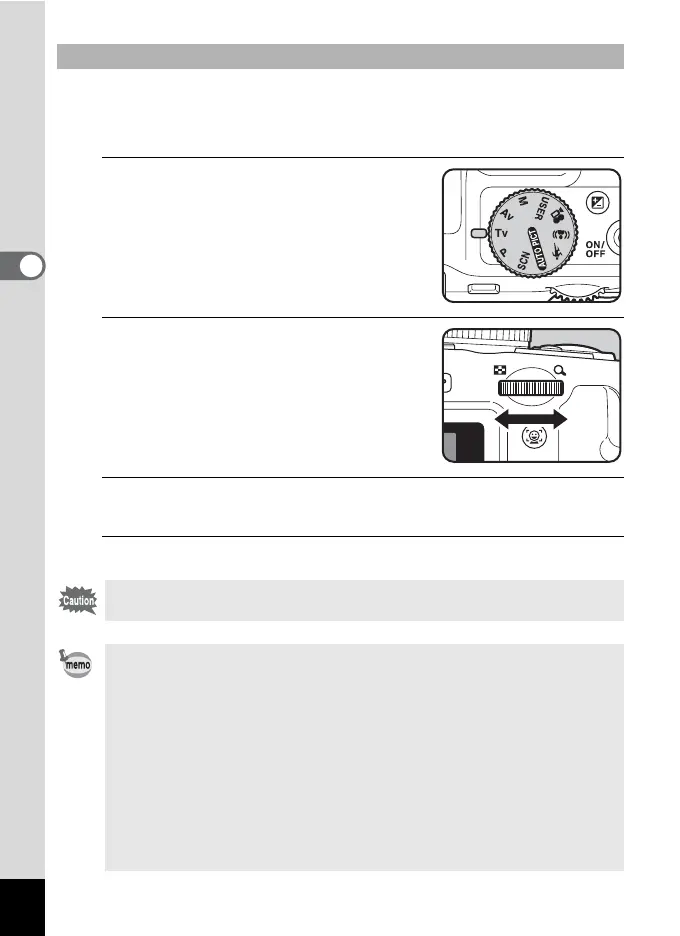
Set the mode dial to b.
2
Turn the e-dial to change the
shutter speed.
The shutter speed can be set within the
range of 1/4000 to 4 seconds.
3
To use the flash, press the b button.
The flash pops up. (p.114)
4
Take the picture.
To Use the b (Shutter Priority) Mode
Flash modes , (Auto), b (Flash On), c (Auto + Red-eye) and d (Flash
On + Red-eye) are not available.
• Aperture value and sensitivity (when set to [AUTO]) are automatically
set to provide the proper exposure according to the shutter speed. If
the proper exposure value cannot be achieved, the closest value is set
and the aperture value is displayed in red.
• The shutter speed set in b mode is shared with a mode. Changing
the value in one mode automatically changes the value in the other
mode.
• When the shutter speed is set to a speed slower than 1/4 seconds, a
process to reduce image roughness and unevenness (noise
reduction) is performed.
• The shutter speed is always saved. Performing a reset returns the
value to the default setting. The default setting is 1/125 seconds.



 To Next Page