233
8
Viewing Images on a Computer
3
Select and click the folder
containing the images you
wish to view.
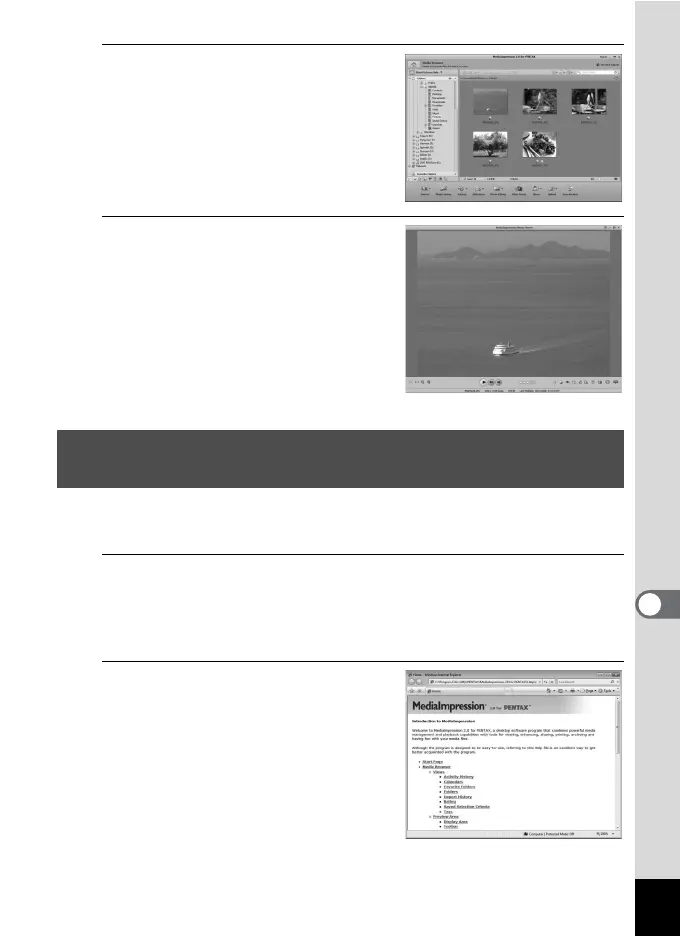
The images are displayed.
4
Select and double-click an
image you wish to view.
The selected image is displayed with
MediaImpression Photo Viewer.
You can enlarge/reduce the display
size of the image or edit the image.
You can also play back movies or
sounds.
You can find more information on how to use “MediaImpression 2.0 for
PENTAX” by using the help pages.
1
Select [Help] in [Extras] at the top right of the screen
(for Windows) or [MediaImpression Help] in [Help] on
the menu bar (for Macintosh).
The help screen appears in the web browser.
2
Click the desired topic.
The explanation is displayed.
Details on How to Use “MediaImpression 2.0 for
PENTAX”



 To Next Page