110
3
Taking Pictures
By saving the current camera settings, you can easily retrieve them by
setting the mode dial to E.
The following settings can be saved:
• Shooting modes e (default setting)/b/c/a
•[A Rec. Mode] menu settings
•Flash Mode
• Drive Mode
• Focus Mode
• EV Compensation
• u button information display
• Face Detection function setting
1
Set the functions to be saved.
2
Press the 3 button in Q mode.
The [W Setting] menu appears.
When you press the 3 button in A mode, press the four-way
controller (5) once.
3
Use the four-way controller (23) to select [Save as
E].
4
Press the four-way controller (5).
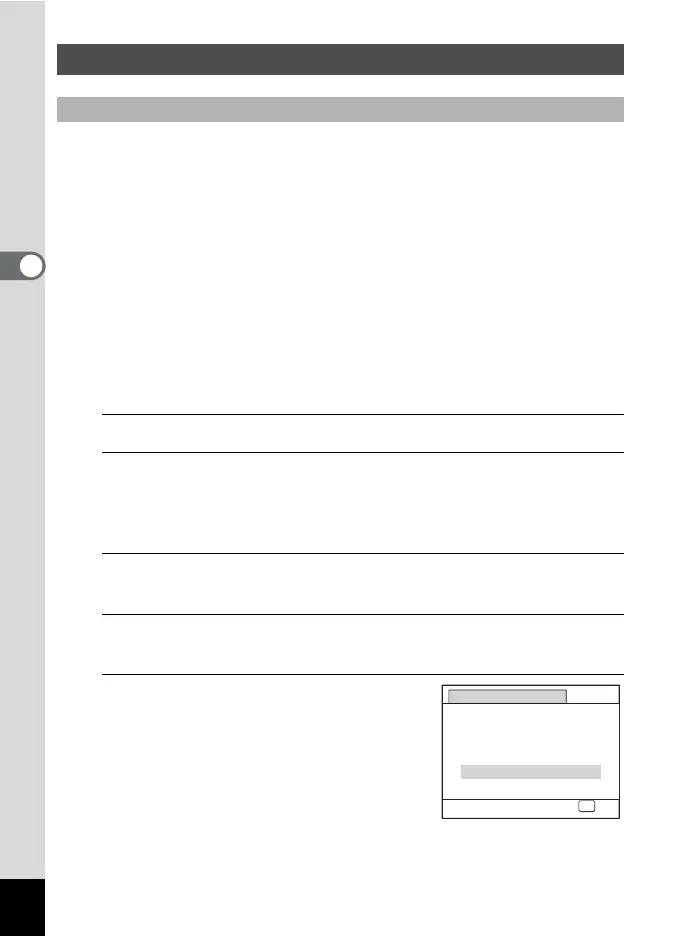
The [Save as E] screen appears.
5
Press the four-way controller (2)
to select [Save].
Using A (USER) Mode
To Save the Settings in E Mode
Save as USER
Saves current shooting
settings in USER mode
Save
Cancel
OK
OK



 To Next Page