164
4
Playing Back and Deleting Images
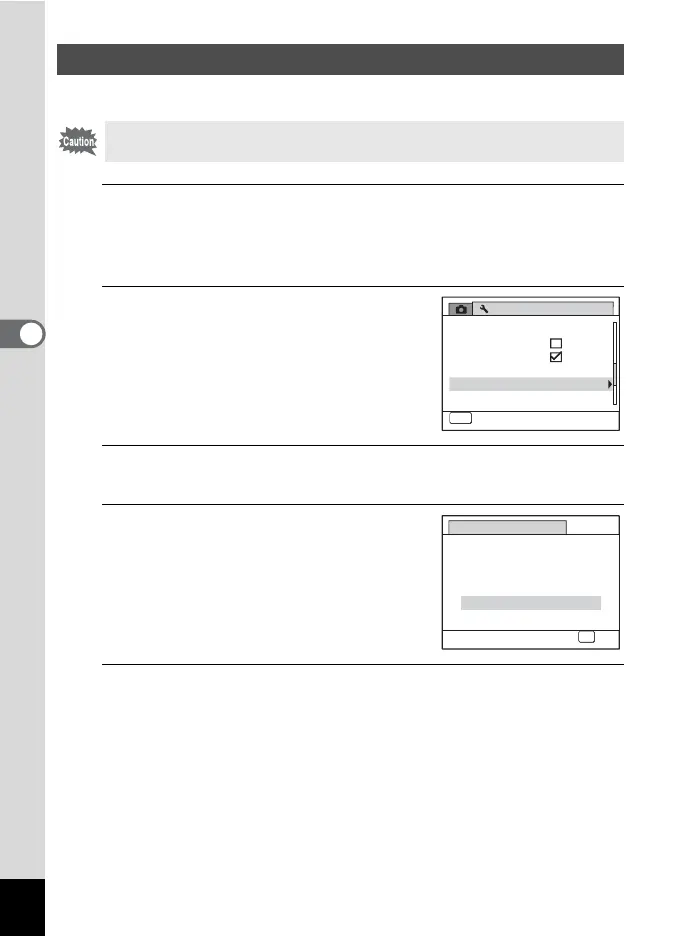
You can delete all the images at once.
1
Press the 3 button in Q mode.
The [W Setting] menu appears.
When you press the 3 button in A mode, press the four-way
controller (5) once.
2
Use the four-way controller (23)
to select [Delete All].
3
Press the four-way controller (5).
The [Delete All] screen appears.
4
Press the four-way controller (2)
to select [Delete All].
5
Press the 4 button.
All the images are deleted.
Deleting All Images
Protected images cannot be deleted (p.166).
Setting
Auto Power Off
3
min.
3/4
MENU
Exit
Quick Zoom
Guide Display
Reset
Delete All
Pixel Mapping
Delete All
OK
OK
Delete All
Cancel
Delete all
images/sounds?



 To Next Page