165
4
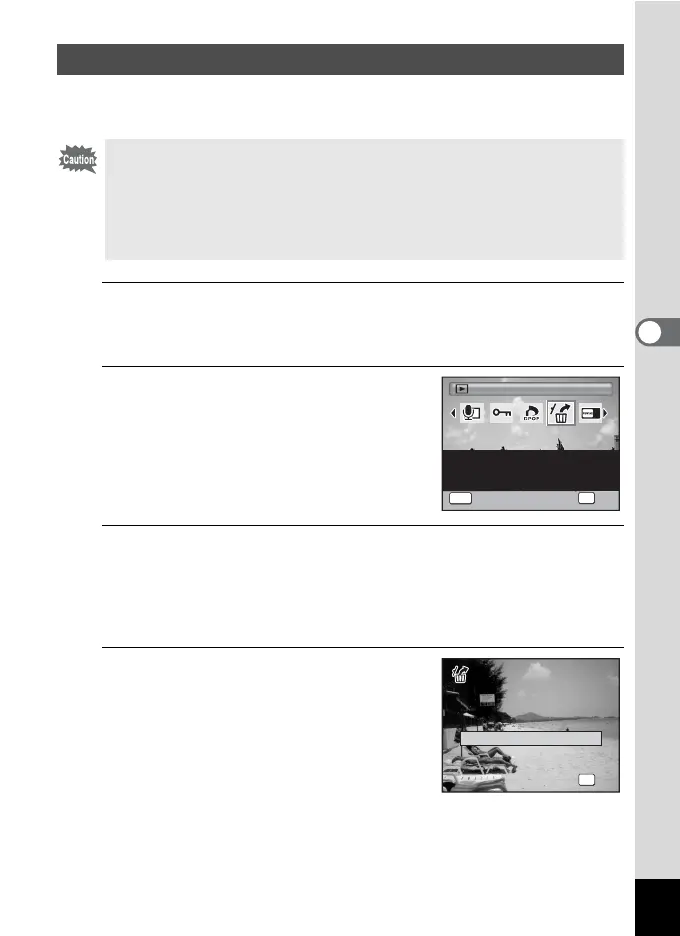
Playing Back and Deleting Images
You can recover images or sounds that were taken with this camera and
then deleted.
1
After deleting the image(s), press the four-way
controller (3).
The Playback Mode Palette appears.
2
Use the four-way controller
(2345) to select ] (Image
Recovery).
When 8 is displayed, there are no images
that can be recovered.
3
Press the 4 button.
The number of recoverable images appears.
If you selected 8 and pressed the 4 button, the message [No image
to be processed] appears. In this case, press the 4 button to return
to the Playback Mode Palette.
4
Press the four-way controller (2)
to select [Recover].
Recovering Deleted Images
If any of the following operations have been performed after deleting an
image, the deleted image cannot be recovered.
- Taking a picture/movie or recording a voice memo
- Protect setting/DPOF setting/Resizing/Cropping
-Formatting
- Removing the SD Memory Card
2/2
Image Recovery
OK
OK
MENU
Cancel
For recovering image and
sound files which were
accidentally deleted
OK
OK
OK
5 image(s)
Want to recover?
W a n t t o r e c o v e r ?
5 image(s)
Want to recover?
Recover
Cancel
Cancel



 To Next Page