185
5
Editing and Printing Images
This function lets you add a decorative frame to still pictures. There are
90 frames already stored in the camera.
1
In Q mode, use the four-way controller (45) to
choose the image to which you want to add a frame.
2
Press the four-way controller (3).
The Playback Mode Palette appears.
3
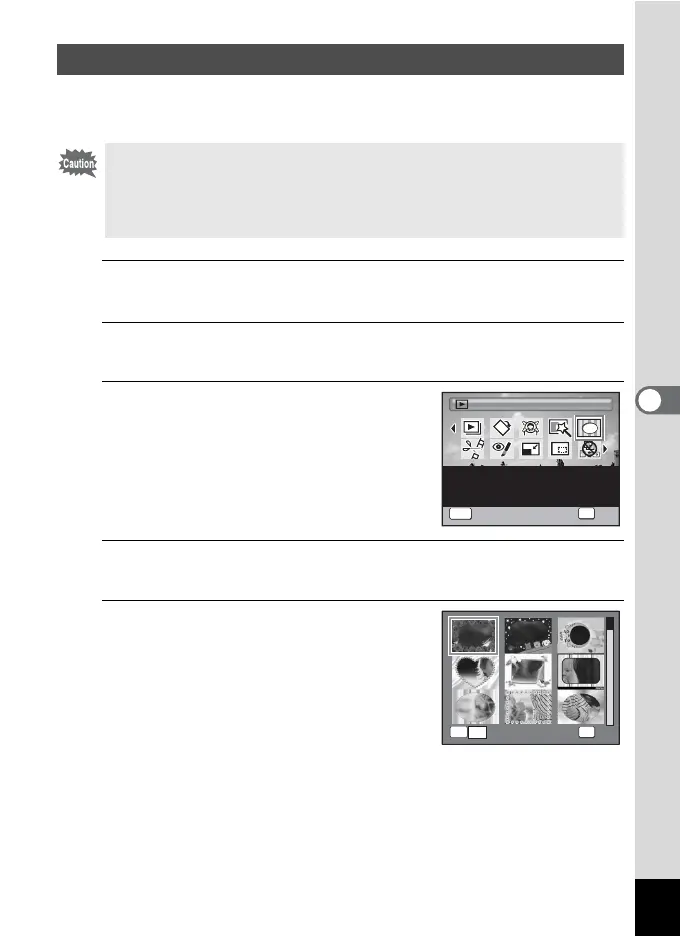
Use the four-way controller
(2345) to select N (Frame
Composite).
4
Press the 4 button.
The 9-frame display of the frame selection screen appears.
5
Use the four-way controller
(2345) to choose a frame.
Adding a Frame (Frame Composite)
The Frame Composite function cannot be used on images taken with the
recorded pixels of D (4000×2672)/E (4000×2256)/F
(2992×2992), images taken with the F (Digital Panorama) mode,
movies, and images of size h (2048×1536) or smaller. If you choose
them to apply this function, an error message appears in Step 4.
1/2
Frame Composite
OK
OK
MENU
Cancel
For composing an image
with a frame. Select Over-
write or Save as to save
OK
OK
OK
y



 To Next Page