92
3
Taking Pictures
In Self-timer mode, the picture is taken ten seconds or two seconds after
the shutter release button is pressed.
Stabilize the camera with a tripod or other support when taking a picture
using the self-timer.
1
Press the four-way controller (2) in A mode.
The [Drive Mode] screen appears.
2
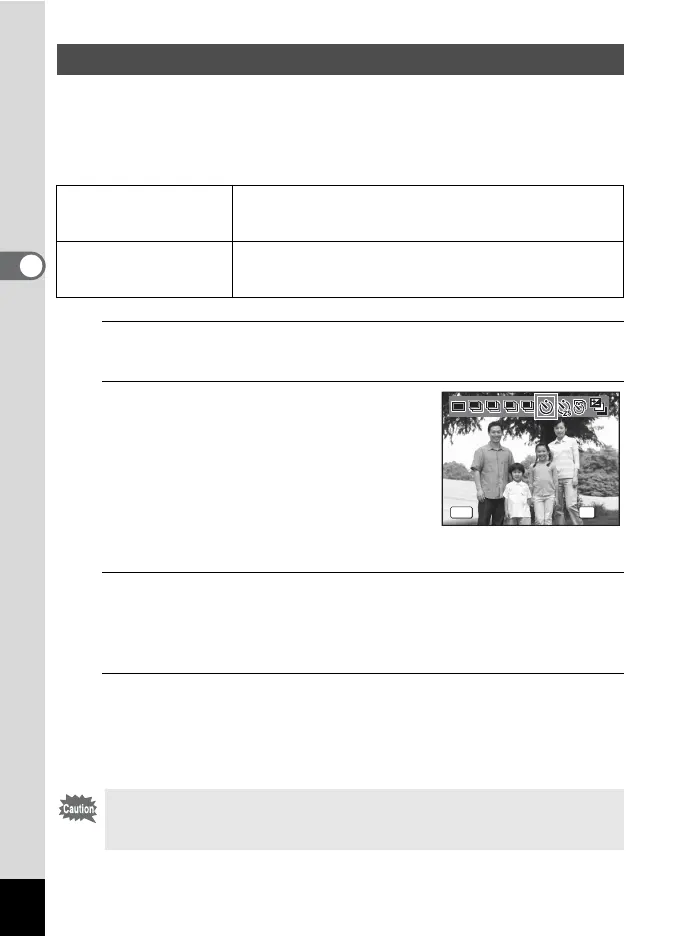
Use the four-way controller (45)
to select g or Z and press the 4
button.
The camera is ready to take the picture
using the self-timer.
When the camera detects a person’s face,
the Face Detection function is activated and
the face detection frame appears. (p.70)
3
Press the shutter release button halfway.
The focus frame (or face detection frame) on the display turns green
when the camera focuses on the subject at the correct distance.
To use the flash, press the b button to pop up the flash. (p.114)
4
Press the shutter release button fully.
When g is selected, the self-timer lamp lights. Three seconds before
the picture is taken, and when Z is selected, the self-timer lamp blinks.
The picture is taken ten seconds or two seconds later.
Using the Self-timer
g
Self-timer
The picture is taken approximately ten seconds after the
shutter release button is pressed. Use this mode when you
want to be included in a group picture.
Z
2 sec.
Self-timer
The picture is taken approximately two seconds after the
shutter release button is pressed. Use this mode to avoid
camera shake.
• Focusing may be compromised if you move the camera while the self-
timer lamp is blinking when taking still pictures.
• The self-timer lamp does not light or blink in Y (Pet) mode.
Self-timer
Drive Mode
OK
Cancel
OKMENU
LL MM HH



 To Next Page