205
7
Settings
The date and time selected in “Setting the Date and Time” (p.47) and
“Changing the Date and Time” (p.202) serve as the Hometown date and
time. If you set the Destination city using the world time function, you can
display the Destination date and time when taking pictures in a different
time zone.
1
Press the 3 button in Q mode.
The [W Setting] menu appears.
When you press the 3 button in A mode, press the four-way
controller (5) once.
2
Use the four-way controller (23) to select [World
Time].
3
Press the four-way controller (5).
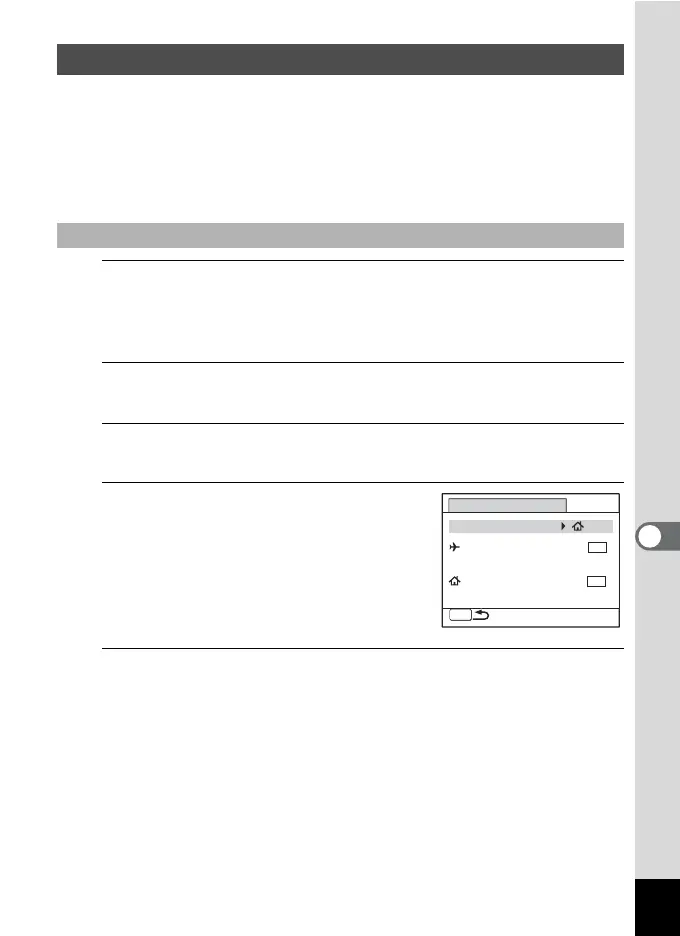
The [World Time] screen appears.
4
Use the four-way controller (23)
to select [X Destination].
5
Press the four-way controller (5).
The [X Destination] screen appears. The city that is currently selected
blinks on the map.
Setting the World Time
To Set the Destination
MENU
14:25
DST
OFF
OFF
DST
OFF
OFF
World Time
Destination
Hometown
Select Time
New York
New York
14:25



 To Next Page