124
3
Taking Pictures
You can take pictures in natural colors by adjusting the white balance
according to the light conditions at the time of shooting.
1
Press the 3 button in A mode.
The [A Rec. Mode] menu appears.
2
Use the four-way controller (23) to select [White
Balance].
3
Press the four-way controller (5).
The [White Balance] screen appears.
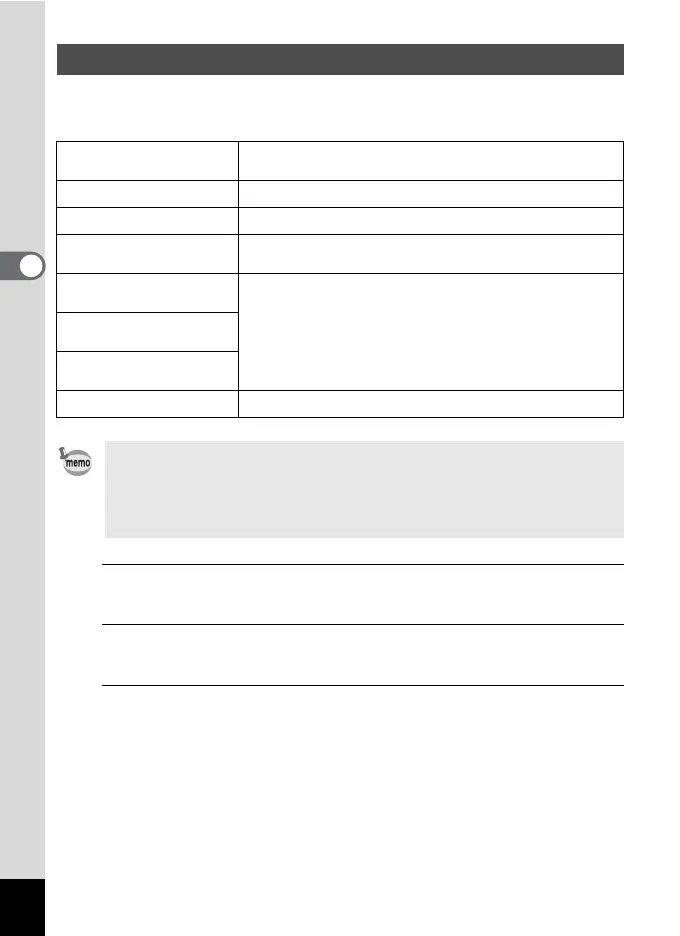
Setting the White Balance
F
Auto
The camera adjusts the white balance automatically.
(Default setting)
G
Daylight For use when taking pictures in sunlight
H
Shade For use when taking pictures in the shade
I
Tungsten Light
For use when taking pictures under light bulb or other
tungsten light
JD
Daylight Colors
Fluorescent
For use when taking pictures under fluorescent light
JN
Daylight White
Fluorescent
JW
White Light
Fluorescent
K
Manual For use when adjusting the white balance manually
• Set another white balance if you are not satisfied with the color
balance of pictures taken with the white balance set to F.
• Depending on the selected shooting mode, the white balance setting
may not be changed. Refer to “Functions Available for Each Shooting
Mode” (p.238) for details.



 To Next Page