171
4
Playing Back and Deleting Images
When the hometown is set with the initial setting (p.43), the video output
format is set in accordance with that region. Depending on the country
or region, images may fail to be played back with the set video output
format. If this happens, change the video output format setting.
1
Turn the camera on.
2
Press the 3 button in Q mode.
The [W Setting] menu appears.
When you press the 3 button in A mode, press the four-way
controller (5) once.
3
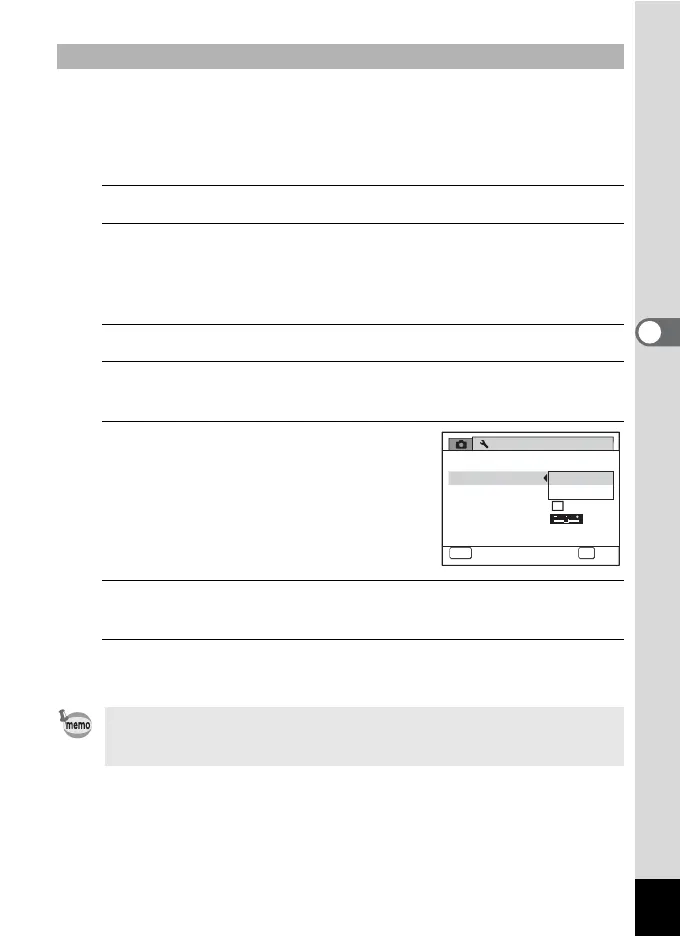
Use the four-way controller (23) to select [Video Out].
4
Press the four-way controller (5).
A pull-down menu appears.
5
Use the four-way controller (23)
to select [NTSC] or [PAL].
6
Press the 4 button.
The setting is saved.
7
Press the 3 button.
The camera returns to A mode or Q mode.
To Select the Video Output Format
The video output format differs depending on the region. When you set
[Select Time] in the World Time setting (p.205) to X (Destination), the
video output setting changes to the video output format for that city.
Eye-Fi
2/4
NTSC
PAL
MSC
MENU OK
OK
Setting
Video Out
USB Connection
HDMI Out
Brightness Level
Power Saving
sec.
Cancel
5



 To Next Page