132
3
Taking Pictures
By using this function, you can correct camera shake during shooting. If
the Shake Reduction function is set to O (On), the camera automatically
corrects any camera shake in the images you shot.
1
Press the 3 button in A mode.
The [A Rec. Mode] menu appears.
2
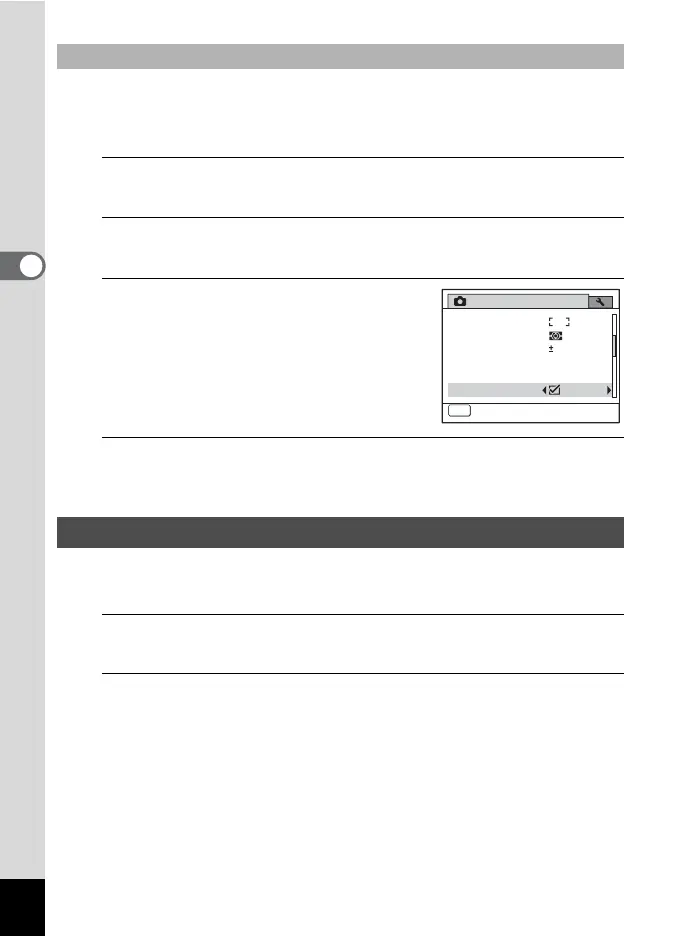
Use the four-way controller (23) to select [Shake
Reduction].
3
Use the four-way controller (45)
to select O or P.
O Automatically corrects camera shake.
(Default setting)
P Does not correct camera shake.
4
Press the 3 button.
The camera returns to capture status.
This specifies whether the Blink Detection function works when the Face
Detection function is activated.
1
Press the 3 button in A mode.
The [A Rec. Mode] menu appears.
2
Use the four-way controller (23) to select [Blink
Detection].
To Set the Shake Reduction
Setting the Blink Detection Function
MENU
2/4
0.0
Rec. Mode
Exit
AE Metering
AF Setting
Flash Exp. Comp.
D-Range Setting
Shake Reduction
Movie



 To Next Page