111
3
Taking Pictures
6
Press the 4 button.
The save process starts.
When the save process is completed, the camera returns to A mode
or Q mode.
1
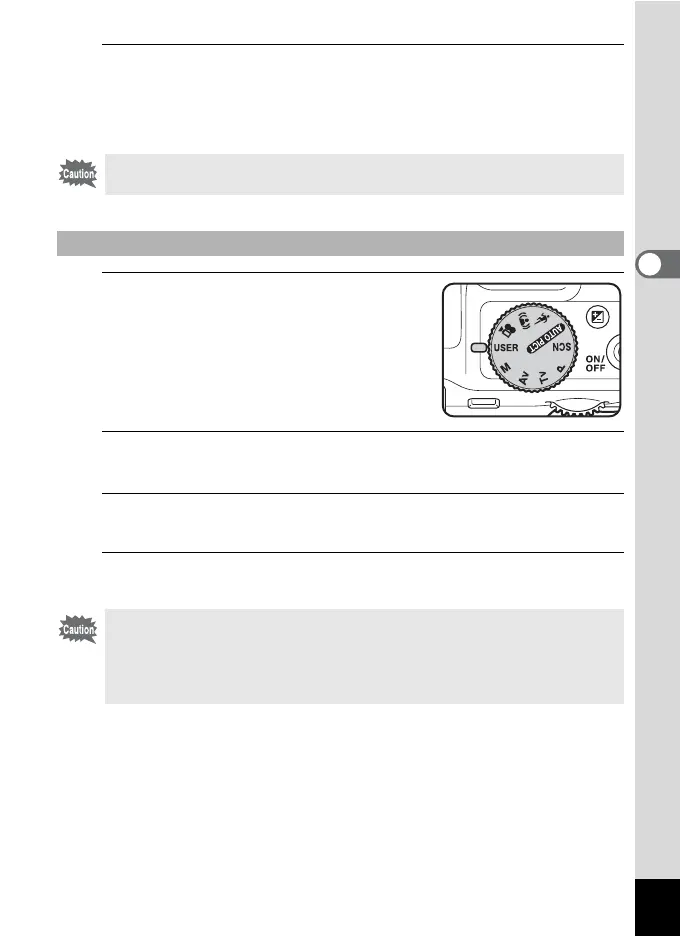
Set the mode dial to A.
The saved settings are retrieved.
2
Change the settings already saved in A mode as
necessary.
3
To use the flash, press the b button.
The flash pops up. (p.114)
4
Take the picture.
You can save settings in E mode only when the mode dial is set to e,
b, c or a.
To Take Pictures in A Mode
The settings changed in A mode are only valid when the mode dial is
set to A mode. Changing the capture mode or turning off the power
returns the camera to the settings saved with [Save as A]. To change
the settings saved in A mode, perform the operations to save the
settings in A mode again.



 To Next Page