118
3
Taking Pictures
5
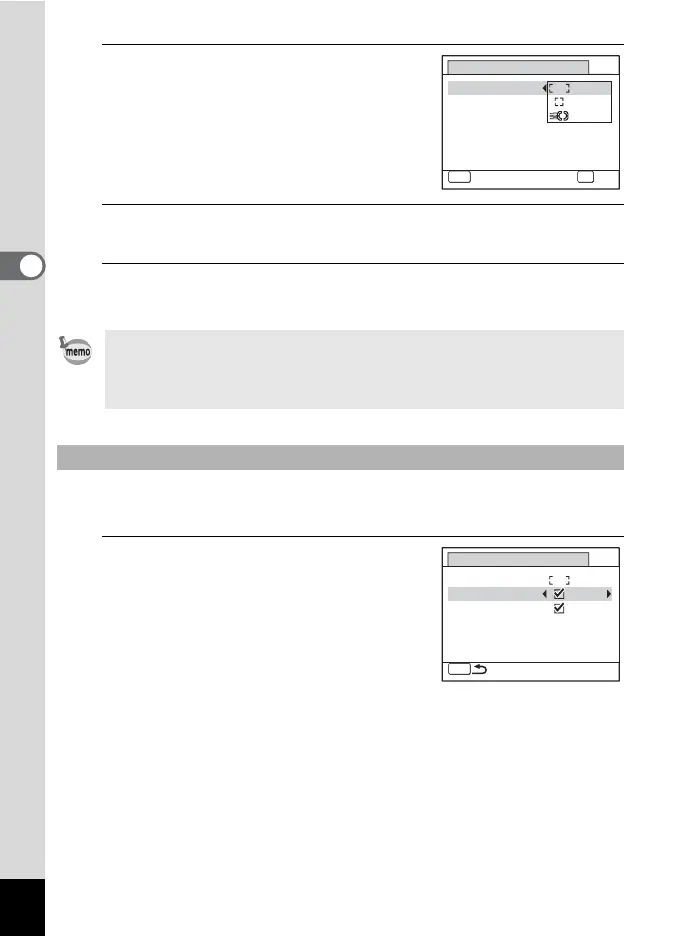
Use the four-way controller (23)
to change the = area setting.
6
Press the 4 button.
The setting is saved.
7
Press the 3 button twice.
The camera returns to capture status.
This sets the focus in the macro range when the distance to the subject
is 50 cm or closer.
4
Use the four-way controller (23)
to select [Auto Macro].
•In N (Frame Composite) and C (Movie) modes, the focusing area
cannot be set to W.
•In I (Auto Picture), 9 (Green) and S (Fireworks) modes, the
focusing area is fixed at J.
To Set the Auto Macro
MENU
Cancel
OK
OK
0.0
Auto Macro
Focus Assist
Focusing Area
AF Setting
MENU
Auto Macro
Focus Assist
Focusing Area
AF Setting



 To Next Page