189
5
Editing and Printing Images
5
Select [Save as Still Image] on the movie edit selection
screen.
6
Press the 4 button.
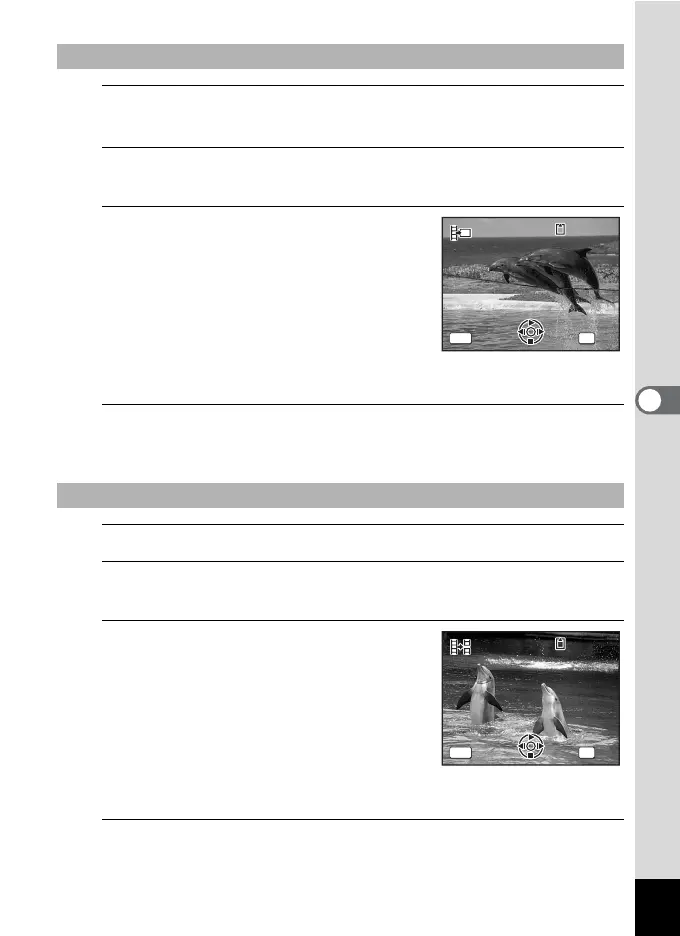
The screen appears for selecting a frame to be saved as a still picture.
7
Use the four-way controller
(2345) to choose the frame you
want to save.
2 Plays or pauses the movie
3 Stops the movie and returns to the
first frame
4 Reverses the movie frame by frame
5 Advances the movie frame by frame
8
Press the 4 button.
The selected frame is saved as a still picture.
5
Select [Divide Movies] on the movie edit selection screen.
6
Press the 4 button.
The screen for choosing the dividing position appears.
7
Use the four-way controller
(2345) to determine the
dividing position.
2 Plays or pauses the movie
3 Stops the movie and returns to the
first frame
4 Reverses the movie frame by frame
5 Advances the movie frame by frame
8
Press the 4 button.
A confirmation dialog appears.
To Save a Frame from a Movie as a Still Picture
To Divide a Movie
Select the image
to save
Select the image
to save
100
-
0042
100
-
0042
00:06
00:06
MENU OK
OK
OKCancel
Cancel
11
Se
lect
ima
ge for
divi
ding posi
tion
Select image for
dividing position
100
-
0042
100
-
0042
1
00:09
00:09
1
MENU OK
OK
OKCance
lCancel



 To Next Page